


How to Make Custom DTF Gang Sheet for Printing Using Free Software
You can build a DTF Gang Sheet in 20 minutes and cut your print cost in half.
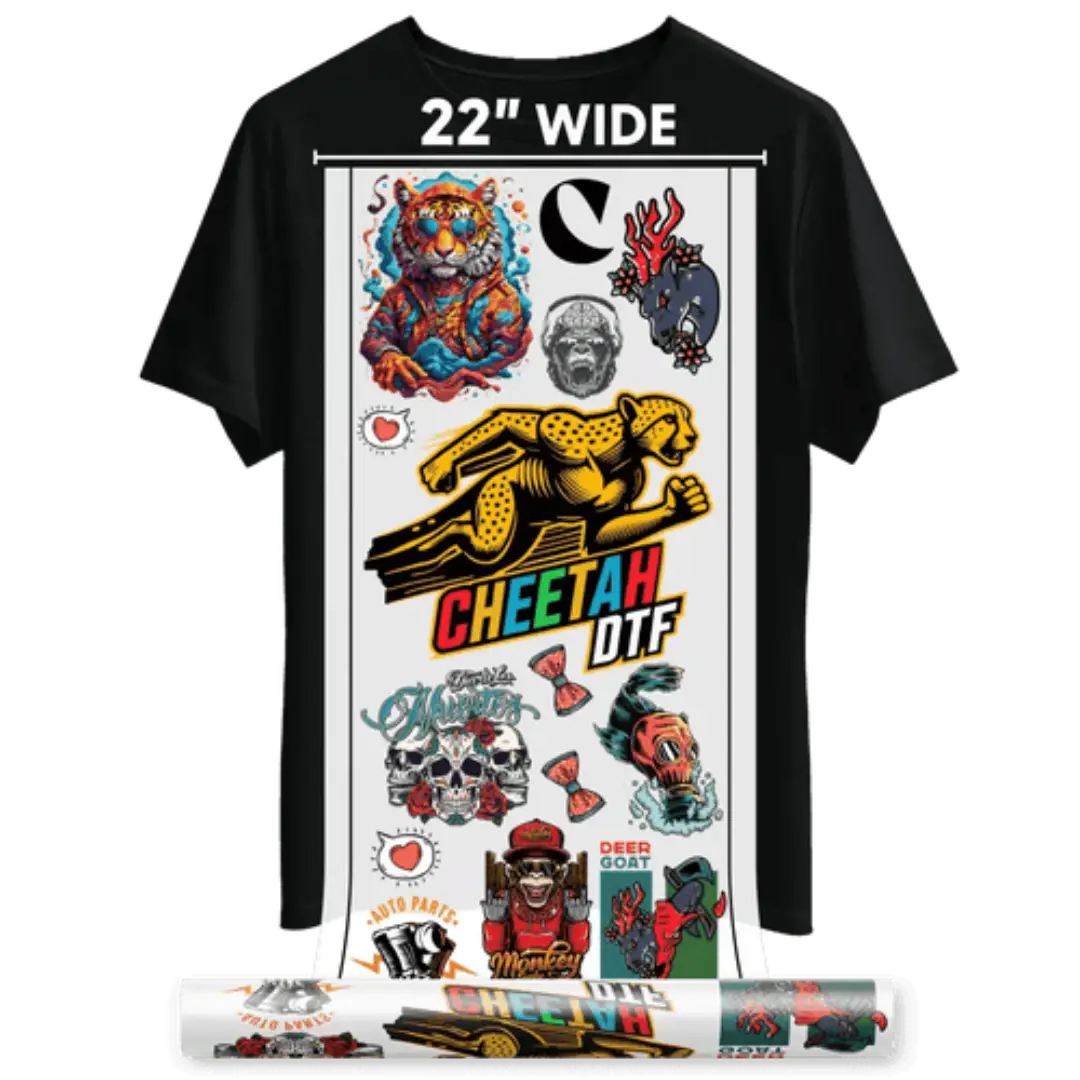
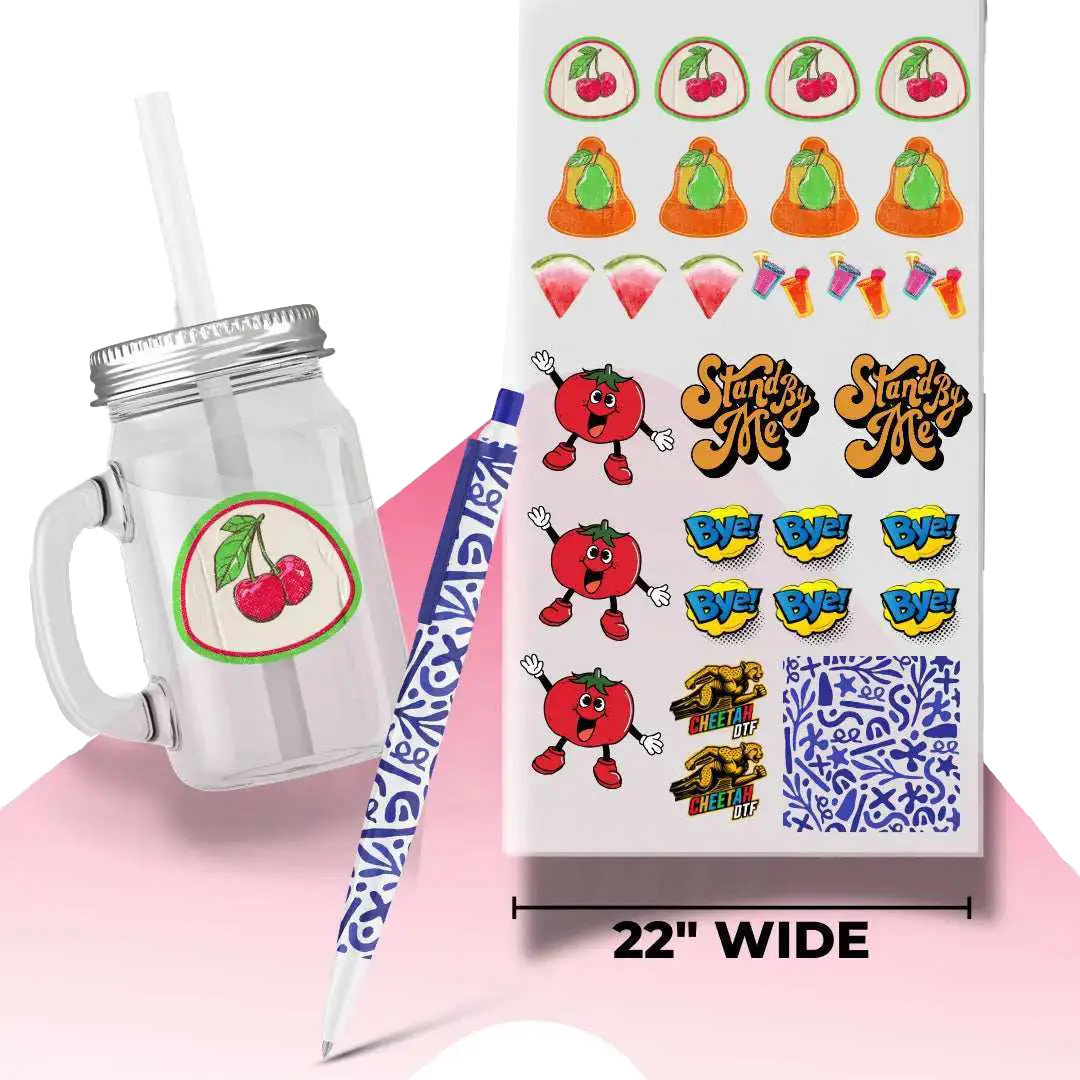
A DTF Gang Sheet is one big film that holds multiple designs. Instead of printing 10 separate transfers, you nest them together. That means less film waste, faster press time, and more profit per sheet.
No expensive RIP. No design degree. Just free tools, the right DTF image resolution, and the correct gang sheet spacing. This guide shows you exactly how in 5 free programs. Then you can upload your gang sheet to Cheetah DTF and have it shipped in 24 hours.
What Is a DTF Gang Sheet and Why It Saves You Money
A DTF Gang Sheet layout puts many separate artworks onto one PET film.
Think of it like packing a suitcase. The tighter you pack, the more you fit.
Standard film costs $2.50 to $4.00 per square foot. If you print one 4-inch logo on a 13x19 sheet, you wasted 80 percent of that film. Gang 20 logos and your cost per logo drops to $0.22.
That’s real money. A shop in Hurst was spending $600 a month on film. After switching to gang sheets, they spent $190. Same number of shirts.
And speed matters. One press for 20 designs beats 20 separate presses. Your turnaround drops from 2 days to 4 hours.
The 5 Rules Before You Start Designing
Get these right or your prints will fail.
Rule 1: DTF image resolution must be 300 DPI. Anything less looks pixelated.
Rule 2: File type is PNG with transparent background. No JPG.
Rule 3: Gang sheet spacing is 0.25 inches between designs. That gives room to cut without slicing ink.
Rule 4: Add a 0.5 inch margin on all edges. Printers can’t print to the edge.
Rule 5: Color mode is RGB. DTF RIP software converts it. CMYK shifts colors.
Follow these and your file will print right the first time.
Software 1: How to Create a DTF Gang Sheet in Canva Free
Canva is fast and it’s free. Perfect for beginners.
First, open Canva and set a custom size. For a 13x19 sheet, type 13 in and 19 in. Canva defaults to 96 DPI, so you must export at high quality.
Next, upload your PNGs. Drag them onto the canvas. Use the position tool to space them 0.25 inches apart. Turn on rulers and guides to measure.
Group designs by color. Dark shirts go together. Light shirts go together. That saves you from switching press settings.
When done, click Share, then Download. Choose PNG, transparent background, size 300 percent. That gets you close to 300 DPI.
Canva works well because it’s cloud-based. You can design on your phone in Kennedale and send it to your printer in Forest Hill.
Software 2: How to Build a DTF Gang Sheet in GIMP
GIMP is free Photoshop. More control, same price.
Open GIMP. File, New. Set width 3900 pixels and height 5700 pixels. That’s 13x19 at 300 DPI.
Import each PNG as a new layer. Use the move tool to arrange. Use View, Snap to Grid with grid set to 75 pixels. That’s 0.25 inches.
Merge visible layers when done. Export as PNG. Uncheck “Save background color.”
GIMP gives you pixel-perfect control. Shops in North Richland Hills use it for complex gang sheets with 40 small logos.
Software 3: Using Photopea for Browser-Based Gang Sheets
No download needed. Photopea runs in Chrome.
Go to http://photopea.com. File, New. Enter 13 in by 19 in at 300 resolution.
File, Open and Place to bring in each design. Use the align tools to distribute evenly.
When finished, File, Export As, PNG. Check transparency.
Photopea is great for quick edits. A designer in Burleson builds sheets during lunch and sends them to print same day.
Software 4: Inkscape for Vector Logos on a DTF Gang Sheet
If your art is text or logos, use Inkscape. It’s vector, so it never gets blurry.
Set document size to 13x19 inches. Import PNGs or create text. Convert text to path so fonts don’t change.
Arrange with 0.25 inch gaps. File, Export PNG Image. Set DPI to 300.
Inkscape works well because file sizes stay small. Big gang sheets with 50 designs don’t crash your computer.
Software 5: Krita for Artists Who Draw Their Own Art
Krita is made for drawing, but it works for layout too.
New document, 3900 x 5700 pixels, 300 DPI. Drag in your artwork. Use the grid docker to set spacing.
Export as PNG with transparent background.
Artists in Crowley and Aledo use Krita because they draw the art and build the sheet in one place.
Upload your gang sheet to Cheetah DTF.
We print sheets with 24-hour turnaround. No setup fees. Upload now and it ships tomorrow.
DTF File Size Guide and Export Settings
- 13x19 inches at 300 DPI equals 3900 x 5700 pixels.
- 24x36 inches at 300 DPI equals 7200 x 10800 pixels.
- File size will be 20MB to 80MB depending on how many designs. That’s fine.
- When exporting, always use PNG. Always transparent. Always 300 DPI.
- If your file is over 100MB, zip it before uploading.
Common Gang Sheet Spacing Mistakes
- Too close and you’ll cut into the design. Too far and you waste film.
- 0.25 inches is the sweet spot. That’s about the width of your thumb nail.
- Leave 0.5 inches on the outside edge. Printers grip there.
- Don’t rotate text sideways just to fit more. It’s harder to weed and press.
- A shop in Lake Worth ignored spacing and ruined 3 sheets. That’s $12 lost. Measure once.
How Fast Can You Go From Art to Printed Sheet
With this workflow, 30 minutes total.
- 10 minutes to gather PNGs.
- 15 minutes to arrange in free software.
- 5 minutes to upload to Cheetah DTF.
We print and ship in 24 hours. You get film in 2 days. That’s faster than any local screen shop.
What to Do Once You Have Your DTF Gang Sheet
You’ve built it. Now print it.
Go to Cheetah DTF and upload your PNG. Choose 13x19 or 24x36, confirm your count, and check out. We print your DTF Gang Sheet in under 24 hours and ship it out same day. No setup fees, no minimums. You’ll get production-ready film in 2 days. Peel and press at 325°F for 12 seconds. That’s it. Stop waiting on vendors. Get your sheets and get back to selling.
Final Thoughts
Making a DTF Gang Sheet doesn’t require expensive software. It requires the right size, the right spacing, and clean PNGs.
Use Canva for speed. Use GIMP for control. Use Photopea for quick edits. Use Inkscape for vectors. Use Krita if you draw.
Follow the 300 DPI rule. Keep 0.25 inches between designs. Export PNG with transparency.
Then get it printed fast. Every day you wait is a day you’re not selling shirts.
Shops in Saginaw, Richland Hills, and Weatherford are already using this method to cut costs and ship faster. You can too.
Upload your DTF Gang Sheet to Cheetah DTF now!
Frequently Asked Questions
What Is a DTF Gang Sheet?
A DTF Gang Sheet is one large transfer film with multiple designs arranged together. It reduces film waste and lowers cost per print. You cut out each design after printing. Most shops use 13x19 or 24x36 sizes for maximum efficiency.
How to Create a DTF Gang Sheet Using Free Software?
Open Canva, GIMP, or Photopea. Set canvas to 13x19 at 300 DPI. Import PNGs with transparent backgrounds. Space designs 0.25 inches apart. Leave 0.5 inch margin. Export as PNG and upload for printing. Takes about 20 minutes.
What Is the Correct DTF Image Resolution?
Use 300 DPI. At 13x19 that’s 3900 x 5700 pixels. Lower resolution looks blurry when printed. Higher resolution makes huge files with no quality gain. 300 DPI is the industry standard for sharp DTF prints.
What Should the Gang Sheet Spacing Be?
Leave 0.25 inches between each design. Leave 0.5 inches on all outer edges. This prevents cutting into artwork and gives the printer grip area. Proper spacing saves film and avoids reprints.
Can I Use Canva to Make a DTF Gang Sheet?
Yes. Set a custom size of 13x19 inches. Upload PNGs, arrange them with guides, and export at 300 percent size with transparent background. Canva is free and fast. It’s what many beginners in Arlington use to start.
What File Type Should I Upload for DTF?
Upload PNG with transparent background. Do not use JPG. JPG has a white background that will print. PNG keeps areas clear so ink only goes where your design is. Keep files under 100MB for fast upload.
How Many Designs Fit on One DTF Gang Sheet?
A 13x19 sheet fits about 20 to 30 four-inch designs with proper spacing. A 24x36 fits 80 to 100. It depends on size and shape. Tighter packing lowers cost but don’t go under 0.25 inch gaps.
Where Can I Print My Gang Sheet After Designing?
Upload your file to Cheetah DTF. We print 13x19 and 24x36 sheets and ship in 24 hours. No minimums. You get production-quality prints without buying a printer.
Do I Need Special Software for DTF Graphics Setup?
No. Free tools like Canva, GIMP, Photopea, Inkscape, and Krita all work. The key is 300 DPI, PNG format, and correct spacing. Paid RIP software helps for big shops, but it’s not required to start.
How Much Does a Printed DTF Gang Sheet Cost?
A 13x19 sheet costs $18 to $25 depending on ink coverage. A 24x36 costs $38 to $50. When you gang 20 designs, cost per design is under $1. That’s 60 percent cheaper than printing singles.