
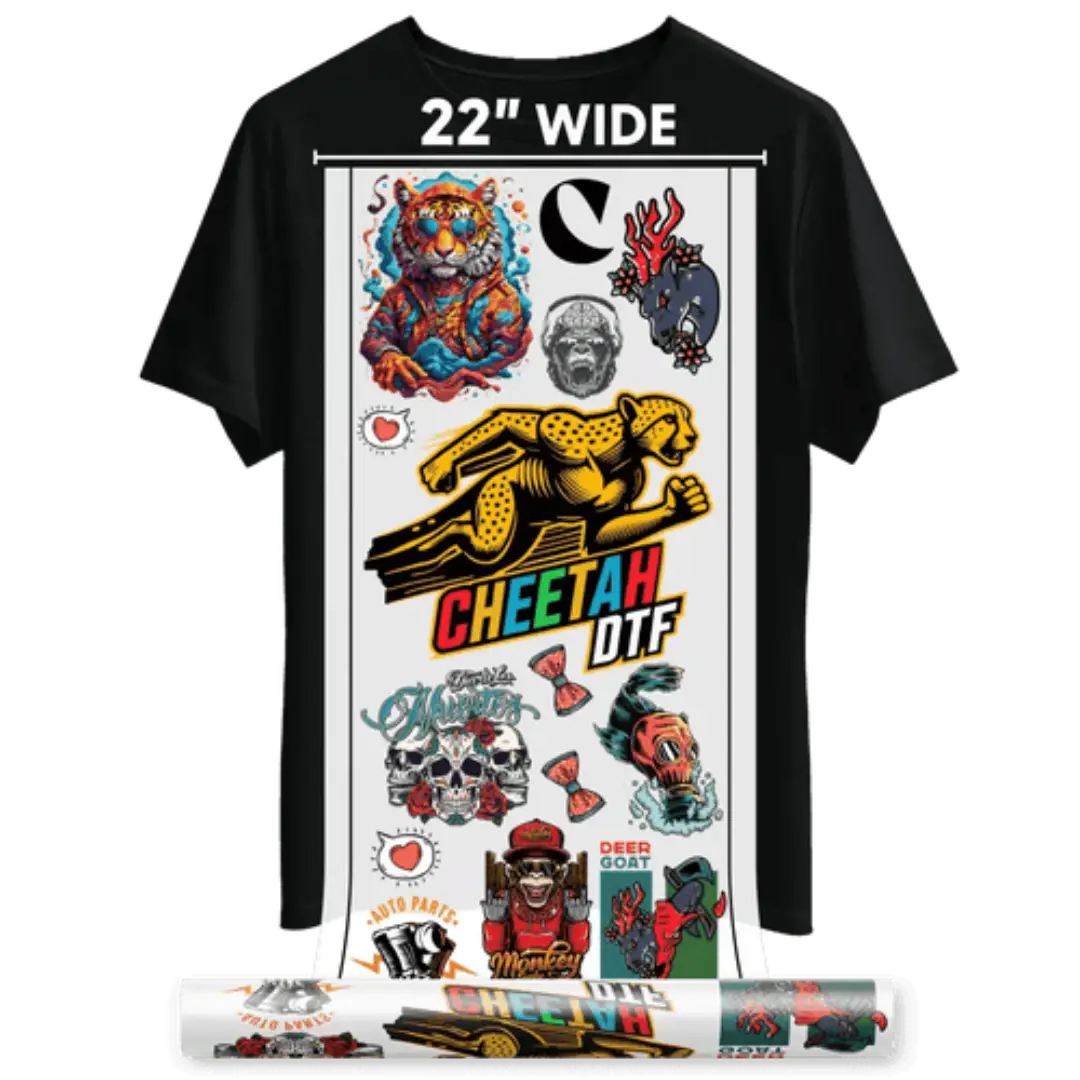
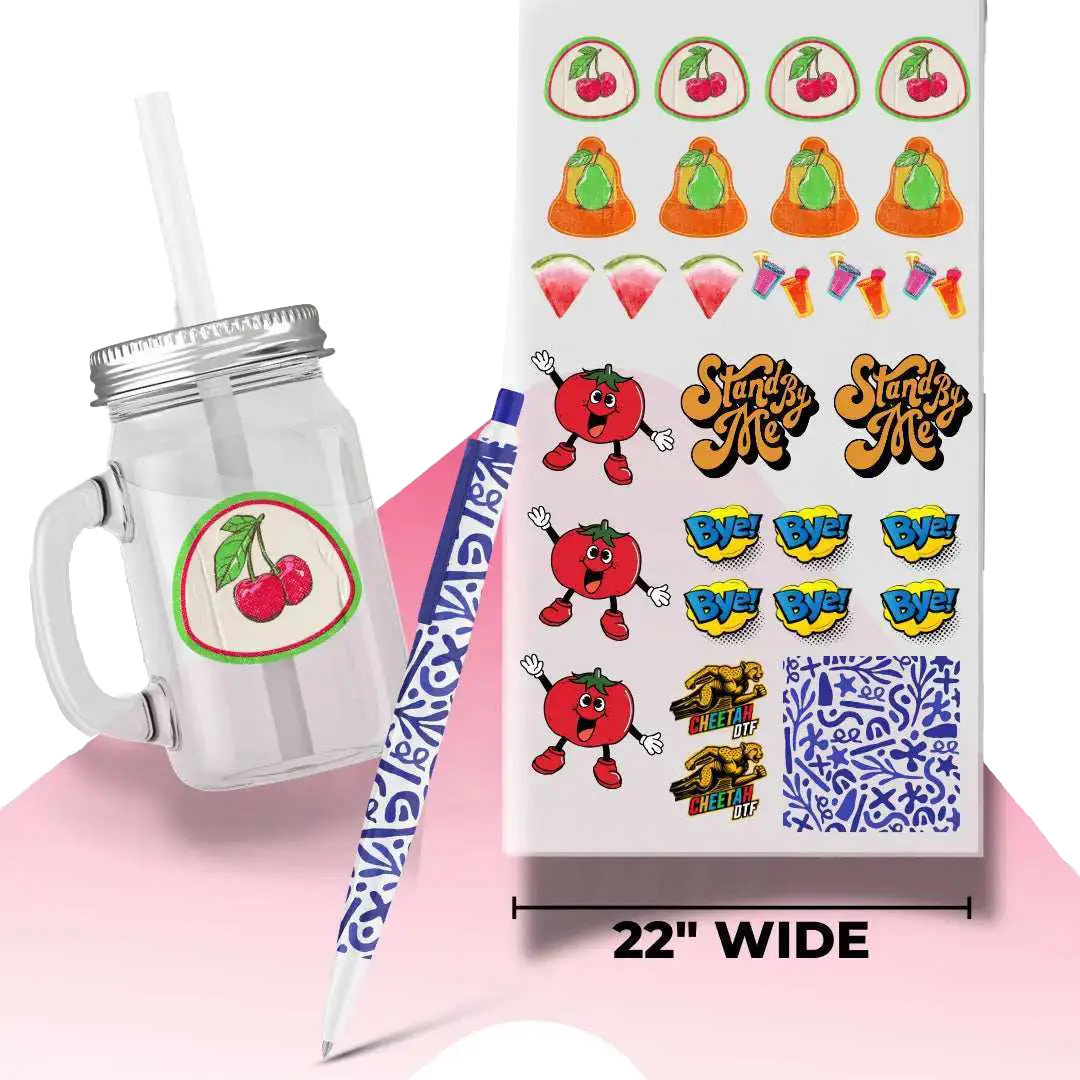


5 DTF Print Vibrancy Tips to Create High-End DTF Transfers
The custom apparel industry uses vibrancy as a distinguishing factor that separates standard prints from high-quality DTF transfers. Customers immediately notice color depth, clarity, and sharp detail. Your prints present an unappealing appearance because they show dullness and a washed-out effect, and exhibit printing errors, which decrease their worth to customers and your ability to set prices. Therefore, high-end DTF production is a necessity.
As more businesses step into DTF in 2026, you will have to improve print quality for better sales. The year 2026 will require print shops to master vibrancy because more establishments will start competing in the industry. Using DTF prints color punch and DTF vibrant colors guide methods can help maximize visual impact, but you need a comprehensive system for overall vibrancy.
This guide presents five professional DTF printing methods that can enhance your printing results while building your brand image and enabling you to create high-quality transfers that customers will pay extra to receive.
How to increase DTF print vibrancy
1. Master Color Profiles and Artwork Preparation
The design process for vibrant DTF prints begins with color management, which serves as the core element that drives professional outcomes. Your color output will suffer from misalignment between your monitor, RIP software, and printer profiles, which causes colors to shift into a muted and inaccurate state during the printing process.
Begin your work with high-resolution files, which must meet the requirement of 300 DPI as a minimum standard. When RGB artwork matches the design needs, use it, but make sure your RIP software can transform the artwork into your printer's CMYK plus white ink setup. You should dedicate time to developing precise ICC profiles that match your specific ink and film combination needs. Using increased vibrancy for DTF shirts techniques ensures color consistency, while applying the best settings for vibrant DTF prints creates accurate, vibrant results.
2. Use Premium Film, Ink, and Adhesive Powder
The DTF supply products have different quality standards. The lower-priced film and ink products might appear to offer savings, but they actually decrease color intensity and product lifespan. The advanced film coatings enable proper ink application because they stop ink from spreading and irregularly soaking into the material. Applying best inks for vibrant DTF prints ensures top-quality results.
To make DTF prints more vibrant, use the best ink quality as it produces deeper color results, which create better, gradual color transitions. The poor quality ink appears acceptable right after printing, but its appearance deteriorates after the curing and pressing processes. White ink quality is especially critical because it determines how colors appear on black clothing.
3. Perfect Your White Ink Base Layer
The vibrant DTF transfers depend on white ink, which serves as their essential secret weapon. The substance establishes a base that enables colors to display their full brightness when applied to dark clothing. The absence of proper white base layers results in designs that look either faded or partially transparent. The printer needs its settings adjusted to create a white underbase that appears both thick and uniform. Only applying the best settings for vibrant DTF prints techniques achieves ideal results.
The color brightness decreases when the layer becomes too thin. The prints become heavy, and they develop cracking problems when the layer reaches excessive thickness. To avoid that, the white ink needs agitation at regular intervals to stop it from settling down, while maintenance work needs to be done to prevent printer blockages. Additionally, the RIP software needs professionals to conduct tests of its opacity settings. The test requires printing sample gradients, which should demonstrate smooth transitions between colors without showing any abrupt edges.
4. Control Curing Temperature and Environment
Improve DTF transfer color optimization with proper temperature and environment. Curing functions as an essential process that maintains material brightness. Excessive heat causes damage to film material and reduces the strength of its color pigments. The adhesive needs complete bonding through a proper curing process, which leads to strength issues and affects the final appearance of the product.
Humidity control needs to be managed together with other environmental factors. High humidity conditions interrupt powder melting processes while printing inks take longer to dry, which results in dull textured surfaces. The production process requires stable environmental conditions to generate standardized output.
5. Optimize Heat Press Pressure and Timing
The final press determines how vibrant your transfer looks on the garment, which creates your final visual result. The incorrect combination of pressure and timing during the process creates two problems, which result in flattened colors and uneven bonding. The platen requires operators to apply their weight by pressing down with their hands until the entire surface receives complete contact. Apply the best inks for vibrant DTF prints and follow the DTF prints color punch methods for optimal results.
The adhesion process needs proper pressure because low pressure results in weak bonding, which creates a less shiny appearance. Excessive pressure will cause the fine details to become distorted. Before applying transfers to garments, operators must first pre-press the clothing to eliminate any moisture content. The process of peeling affects how bright the colors appear.
Conclusion
High-end DTF vibrancy results from three essential elements, which include disciplined workflow, premium materials, and precise finishing techniques. The process requires precise attention to every detail, which includes color profiling, white ink density, and controlled curing. Applying increased DTF transfer color brightness and best settings for vibrant DTF prints ensures maximum impact.
Want to test colors and test vibrancy? Try our DTF Sample Pack with Gang Sheet Builder!
Frequently Asked Questions
1. How can I make my DTF prints more colorful?
To make DTF prints more colorful, increase the DTF transfer color brightness for optimal results. You need to concentrate on color calibration, high-quality ink, proper white underbase, and correct curing temperature procedures. The artwork should not be treated with excess saturation.
2. What causes my DTF prints to lose their brightness after I press them?
The printing process produces dull results when operators use excessive heat, low-quality film, defective white underbase, and incorrect pressure settings that impact the color punch. Your team needs to confirm the curing temperature accuracy and the white ink opacity settings for optimal results.
3. Do white ink pigments reduce printing brightness?
No. White ink serves as the base layer for all subsequent colored printing. White ink needs to be sufficient because dark fabrics reduce opacity. When artists use proper white ink application methods, the artwork shows increased color visibility, resulting in bright, vibrant results after the pressing process is complete.
4. What size should DTF artwork files be created at?
As per the standard DTF vibrant colors guide, users need to print their work at 300 DPI, which matches their intended final print size. High-resolution files deliver two advantages: sharper lines and improved color separation, resulting in enhanced vibrancy.
5. Does curing temperature alter the brightness of colors?
Absolutely. The use of excessive heat leads to pigment degradation, which results in a dull appearance. Under-curing will result in incomplete adhesive joining. Your team needs to check actual surface temperatures as they follow supplier instructions to maintain color strength.
6. How does the quality of film affect the overall print result?
The combination of premium film coatings and their ability to hold ink prevents ink bleeding issues. The use of low-quality film causes ink absorption, which results in lower sharpness and brightness. The use of superior film materials and best inks for vibrant DTF prints results in improved visual quality of printed materials.
7. Why is proper color management important when using design software?
The design software's saturation controls need adjustment for your work. Extreme saturation increases should be avoided. The system requires proper ICC profiles together with RIP calibration to function correctly. Over-editing colors may produce unnatural tones when printed. Controlled color management produces more reliable results.
8. How does humidity impact the DTF printing process?
High humidity makes it difficult for powder to melt because it interferes with the ink drying process, which causes surfaces to become dull or uneven. The production environment needs to remain stable because it protects color vibrancy and adhesion strength.
9. Why is the correct pressure crucial for achieving high-quality DTF prints?
The final appearance of the output depends on the applied pressure because it determines how materials bond together. Insufficient pressure will lead to weak adhesion, while excessive pressure results in design distortion. Balanced pressure preserves color clarity.
10. How do gang sheets influence color consistency and overall print quality?
Gang sheets can introduce color variations by affecting color consistency. The efficient layout design process ensures that ink is distributed evenly across the sheet while maintaining identical curing properties.