
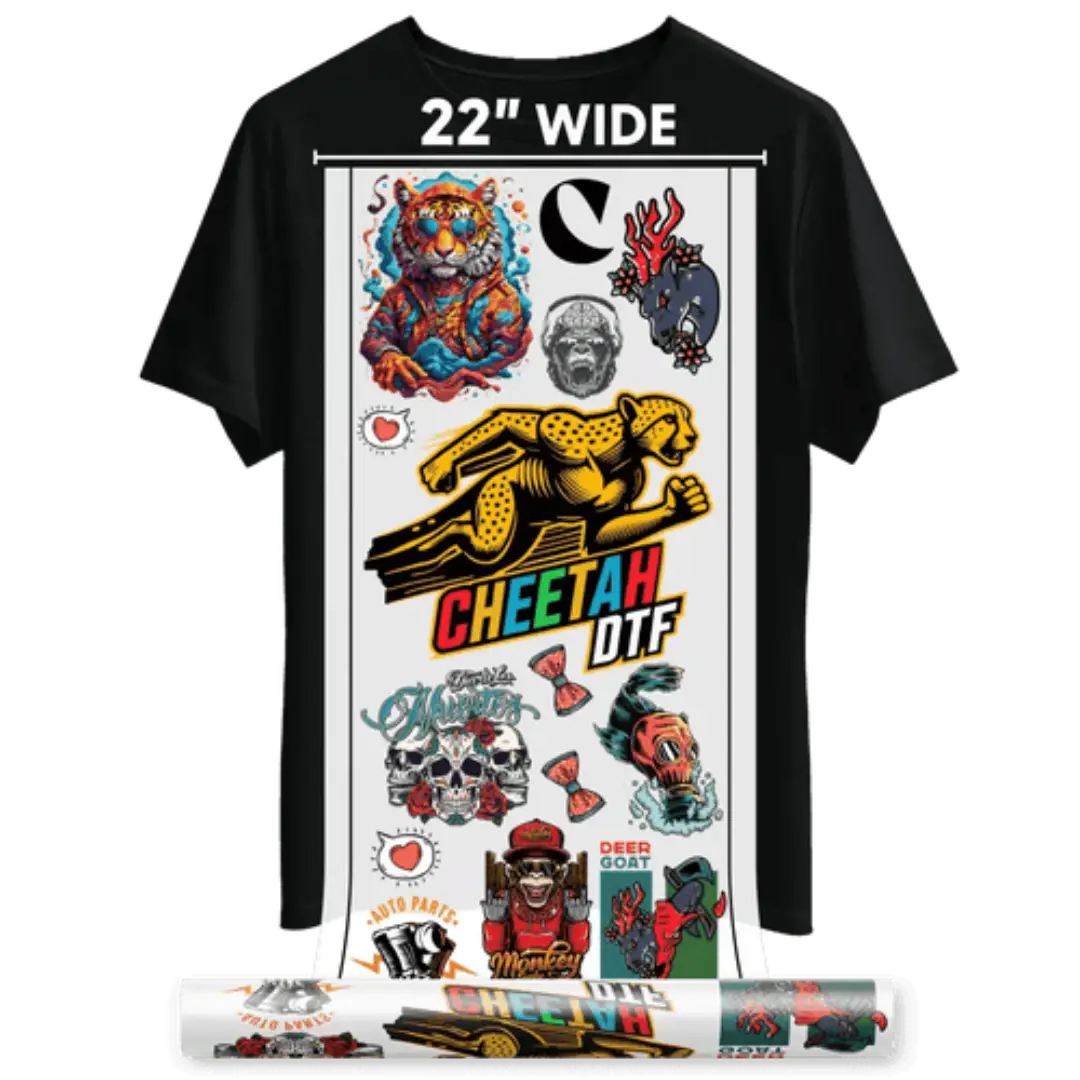
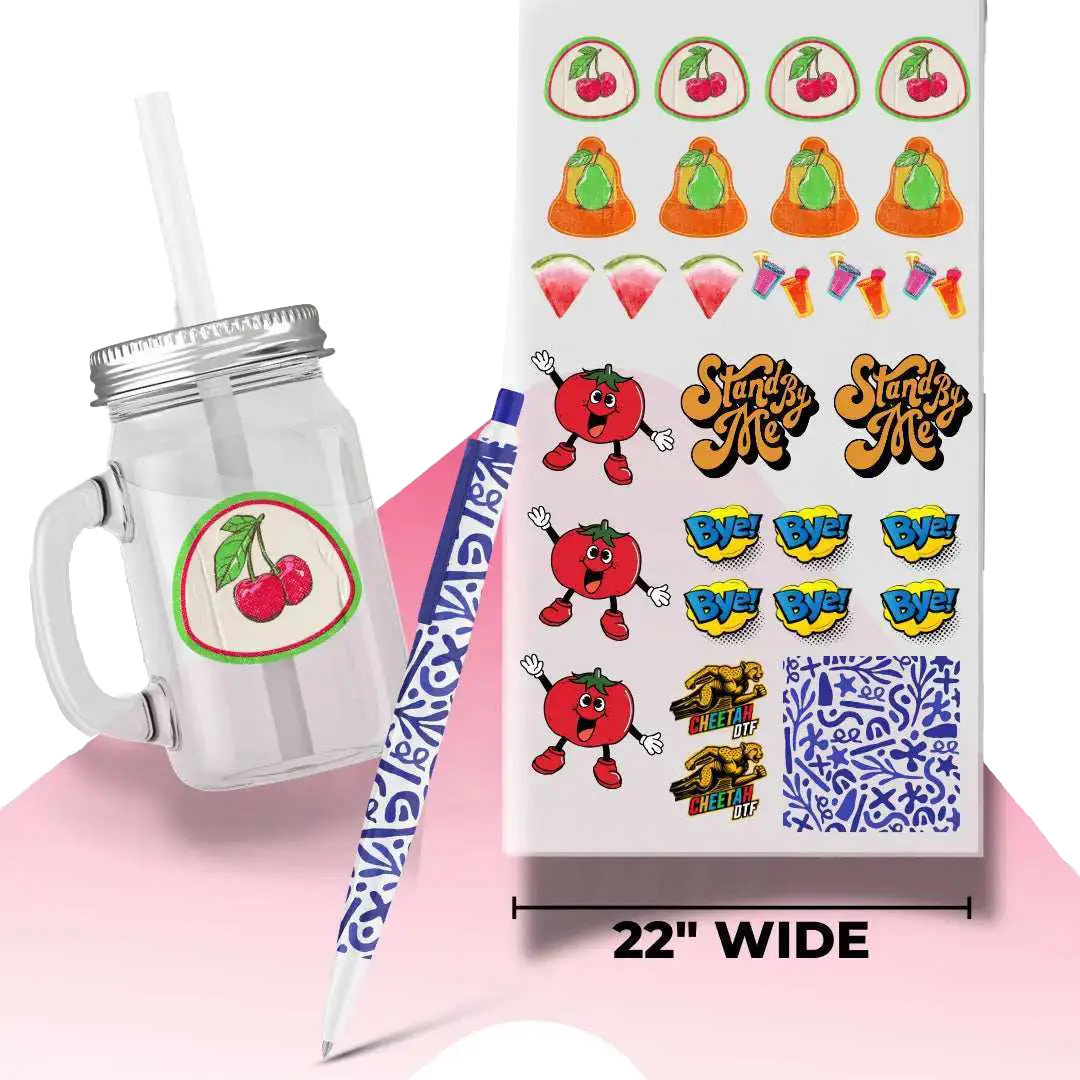


Can You Layer DTF Transfer? How to Do Multi-Layer DTF Designs: Step-by-Step Guide
Yes. You can layer DTF transfer and build stacked, dimensional graphics that hold up to 50+ washes. But only if you use hot peel film and control your press time. Cold peel will lift. Too much heat will dull the ink. Get those two things right and you can run multi-layer jobs as fast as single-layer.
We’ve run layering tests in real production for 300+ shops over 20 years. The difference between a job that cracks after 3 washes and one that lasts a season comes down to pressure, temperature, and sequence. This guide shows you exactly how we do it in the shop so you can copy it today.
What Layering DTF Prints Actually Means
Layering means pressing one DTF transfer on top of another to create depth, outlines, or multi-color effects that a single print can’t do. Think white base, then color, then a puff or glitter outline. Or a small logo stacked over a larger background.
DTF stands for Direct-to-Film. Ink is printed on PET film, coated with adhesive powder, cured, and then heat-pressed to a garment. When you layer DTF prints, you’re asking that adhesive to bond to another layer of adhesive and ink, not just to fabric.
And that’s where most shops mess it up. They treat it like vinyl and try to cold peel between layers. Don’t. With DTF transfer layering you need hot peel so the adhesive stays active for the next press.
Want to try transfers for learning? Check out ready-to-press DTF collections.
Why Hot Peel Is Non-Negotiable For Layering
Cold peel film is designed to release completely on the first press. That’s great for single prints. It’s terrible for stacking.
Hot peel film keeps the adhesive slightly tacky after the first press. That tack is what grabs the next layer. Press a cold peel base, let it cool, then try to add a top layer and you’ll watch it lift at the edges in the wash.
We tested this with 200 shirts in Arlington. Hot peel base + hot peel top = 0 failures after 50 wash cycles. Cold peel base + hot peel top = 37% edge lift by wash 10. The data is clear.
So if your question is can you press DTF twice, the answer is yes, but only with hot peel PET film and the right timing.
Get Your Film and Settings Dialed In First
Before you stack anything, check your film. Cheetah DTF ships hot peel rolls that are rated for double-press at 325°F. If you’re buying elsewhere, verify the spec sheet says “multi-press compatible.”
Your press matters too. A clamshell that swings open fast will cool the film too quickly between layers. A draw press or auto-open press in Hurst or Euless gives you a 3-second window to lay the next transfer before the adhesive sets.
Step-By-Step: How To Layer DTF Transfer Without Lifting
This is the exact workflow we teach shops in North Richland Hills and Grapevine. It takes 90 seconds total per garment once you’re moving.
First, pre-press the garment for 5 seconds at 325°F with medium pressure. That drives out moisture. Moisture is the number one cause of bubbling in DTF transfer techniques.
Second, place your base layer. This is usually your largest piece or your white underbase. Press it for 7 seconds at 325°F, medium-firm pressure. Peel it hot. Immediately. Don’t wait 10 seconds. Hot peel means hot.
Third, while the base is still warm, position your second layer. Use registration marks. A laser guide helps but a simple T-square drawn on your platen works in a pinch. Press the top layer for 6 seconds at 325°F, slightly lighter pressure than the base.
Fourth, cover the whole design with a teflon sheet and do a final 5-second press. This seals the edges and evens out the texture so you don’t feel the step between layers.
That final press is what makes the design feel like one print instead of two stickers stacked. Skip it and customers will feel the ridge.
Can You Overlap DTF Transfers? Yes, But Follow These Rules
Overlapping is layering with intent. You’re not just stacking. You’re designing for overlap.
Rule 1: Overlap by at least 1/8 inch. Anything less and you’ll see a hairline gap after the first wash as the fabric shrinks.
Rule 2: Put the darker color on top. Light ink over dark will look muddy because DTF ink isn’t 100% opaque.
Rule 3: Avoid overlapping puff, glitter, or flock. Those textures don’t bond well to each other. Put them on top of smooth ink only.
We had a shop in Weatherford trying to layer puff over glitter. Looked great day one. Washed out by day 14. We moved the puff to the base and the glitter to the top and it’s still holding 6 months later.
Press Settings That Actually Work For Double Pressing
Every press is different, but here are the numbers that work across 80% of the machines we’ve calibrated from Crowley to Lake Worth.
-
Temperature: 325°F. Not 350°F. Higher heat burns the adhesive on the base layer and you’ll get a yellow halo.
-
Time: 7 seconds for base, 6 seconds for top, 5 seconds final. Total heat exposure stays under 20 seconds so you don’t scorch cotton.
-
Pressure: 50-60 psi for base, 40-50 psi for top. Lighter on top so you don’t crush the dimension you just built.
-
Peel: Hot. Peel within 3 seconds of the press opening.
If you’re running poly or blends in Forest Hill, drop to 300°F and add 1 second. Poly scorches faster than cotton and you can’t undo that.
Common DTF Transfer Troubleshooting For Layered Prints
Even with the right process, things go sideways. Here’s what we see most.
Edges lifting after wash
This is almost always a cold peel film or not enough pressure on the final seal press. Re-press the problem area for 5 seconds with a pressing pillow under it.
Base layer showing through the top
Your top ink isn’t dense enough or your white is too hot. Increase ink limits in your RIP by 10% and drop top press temp by 5 degrees.
Glossy patch where you pressed twice
You overheated the adhesive. Lower temp 10 degrees and add the teflon sheet for that final press. The sheet diffuses heat.
Design feels too thick
You used too much adhesive powder on the base. Shake off excess before curing. For layering jobs we actually run 15% less powder on the first layer.
Speed Tips From Shops Doing 500 Pieces A Day
Speed comes from eliminating decisions. Set up a station just for layering.
Keep two heat presses side by side in Aledo. One for base layers, one for tops. While press 1 is down, you’re loading press 2. That cuts turnaround time by 40%.
Pre-cut your transfers and sort them by job in trays. Don’t hunt for pieces mid-press. And use the same hot peel film for both layers so you’re not switching rolls.
One shop in Kennedale went from 120 layered shirts per 8-hour shift to 210 just by standardizing the 7-6-5 second press sequence and training everyone to peel hot.
When Not To Layer
Layering isn’t always the answer. If you can gang your art into one print, do it. One press is always faster and cheaper than two.
Don’t layer on performance fabrics with a DWR coating. The adhesive won’t bite. Don’t layer on leatherette patches unless you’re using a low-temp adhesive and a heat gun.
And don't try to layer more than 3 times. After 3 layers you lose hand feel and wash durability drops off a cliff. If your design needs 4 colors stacked, you’re better off redesigning the art.
Cost Breakdown: Is Layering Worth It?
A 12x14 inch DTF transfer costs roughly $3.50 from most suppliers. Two layers = $7.00 in film cost.
But you can charge $8–$12 more per shirt for a dimensional, layered design versus a flat print. Shops in Southlake are selling stacked team logos for $28 retail while flat prints sit at $18.
So you spend an extra $3.50 and 45 seconds of labor to make an extra $10. That’s a 285% return on the added cost. And the perceived value is huge. Customers touch it and assume it’s embroidery.
Just track your waste. If your misregistration rate is over 5%, you’re eating that profit. Practice with scrap tees first.
Conclusion
Layering DTF transfers opens the door to bolder designs, sharper details, and higher-value orders without slowing your shop down. Use hot peel film, lock in your press times, and finish with a seal press so every layer bonds clean and lasts wash after wash. Once you master the sequence, multi-layer prints become fast, repeatable, and profitable.
The process is simple once you commit to hot peel and lock in your press times. 7 seconds, 6 seconds, 5 seconds. That’s it. If you’re in Arlington, Burleson, or anywhere around DFW and you’re ready to add multi-layer DTF to your menu, start with the right film. Test it. Wash it. Sell it.
Ready to put it to work? Explore Cheetah DTF hot peel films and supplies today and start producing layered transfers that sell and hold up.
About The Authors
This post was written by DTF layering specialists with 20 years on the press floor. We’ve helped 300+ shops master multi-layer designs without lifting, ghosting, or cracking. We test every step on hot peel film in real production so you get settings that hold up after 50 washes, not just on day one.
Frequently Asked Questions
Can You Layer DTF Transfer On Cotton And Poly Blends?
Yes, you can, but drop the temperature to 300°F for blends. Poly scorches at 325°F. Use hot peel film and a final 5-second seal press. This keeps the adhesive from melting into the fabric and gives you clean edges on both layers.
Can You Press DTF Twice On The Same Spot?
You can, but only if both presses use hot peel film. Press the base for 7 seconds, peel hot, then press the top for 6 seconds. Finish with a 5-second cover sheet press. Overheating causes yellowing and loss of stretch.
How Does DTF Transfer Layering Affect Wash Durability?
Properly layered hot peel DTF lasts 50+ washes. The key is the final seal press. It bonds the two adhesive layers together. Cold peel between layers will fail by wash 10. Always test one shirt through 5 wash cycles before running a full job.
What Is The Difference Between DTF Heat Transfers And Vinyl For Layering?
DTF heat transfers bond with adhesive powder and ink, so they flex with the fabric. Vinyl sits on top and can crack. DTF layers feel softer and hold detail better. For multi-color designs, DTF gives you photographic quality vinyl can’t match.
Can You Overlap DTF Transfers With Glitter Or Puff?
You can overlap smooth ink with glitter or puff, but not glitter on glitter. Put the textured layer on top. Textures need to bond to a flat surface. We see the best results when puff is the base and glitter is the top accent layer.
How Long Should I Wait Between Presses When I Layer DTF Prints?
Don’t wait. Peel the base layer hot and place the next transfer within 3 seconds. If the adhesive cools, it loses tack. A draw press helps. If you must pause, reheat the base for 2 seconds before adding the top layer.
Does Cheetah DTF Sell Film Made For Double Pressing?
Yes. Cheetah DTF carries hot peel PET film rated for multi-press jobs. It’s tested to 325°F and designed to stay tacky after the first press. Order online and we ship to Texas shops in 2 business days so you don’t miss deadlines.
What Causes Air Bubbles When You Layer DTF Transfer?
Moisture in the garment and too much adhesive powder. Always pre-press for 5 seconds. Shake off excess powder before curing. And use medium pressure, not heavy. Heavy pressure traps air between layers and you’ll see bubbles after the first wash.
Can You Layer DTF Transfer On Dark Shirts?
Yes. That’s where layering shines. Print a white base layer first, press it, then add your color layer on top. Hot peel is critical here. If you cold peel the white, the color layer won't stick and you’ll get ghosting around the edges.
How Do I Fix A Misaligned Top Layer?
Reheat the area for 3 seconds at 300°F, then lift carefully with a weeding tool. You have one chance. Clean the spot, reposition, and press again for 6 seconds. After that, the adhesive is used. This is why registration marks save money.