


How to Calculate Gang Sheet Size for Custom Brand Owners vs Etsy Sellers
You order a DTF gang sheet. You get 12 prints. Your friend orders the same size sheet and gets 22. Same money. Different math.
If you run a custom clothing brand and your friend sells on Etsy, you both use the same DTF gang sheet, but you shouldn't calculate it the same way.
As a brand owner, you print the same 2 or 3 logos over and over - a big back, a small front. Your goal is the lowest cost per shirt. As an Etsy seller, you print 20 different names, 20 different designs, all on one sheet. Your goal is to fit maximum variety without wasting film.
And that difference changes everything about how you size your sheet. One of you needs bigger sheets like 22x60, the other makes more profit on smaller sheets like 22x24.
In this post, we'll break down how to calculate gang sheet size for both business models. You'll see real math, real costs, and layout tricks for each.
What a DTF Gang Sheet Is and How Sizing Works
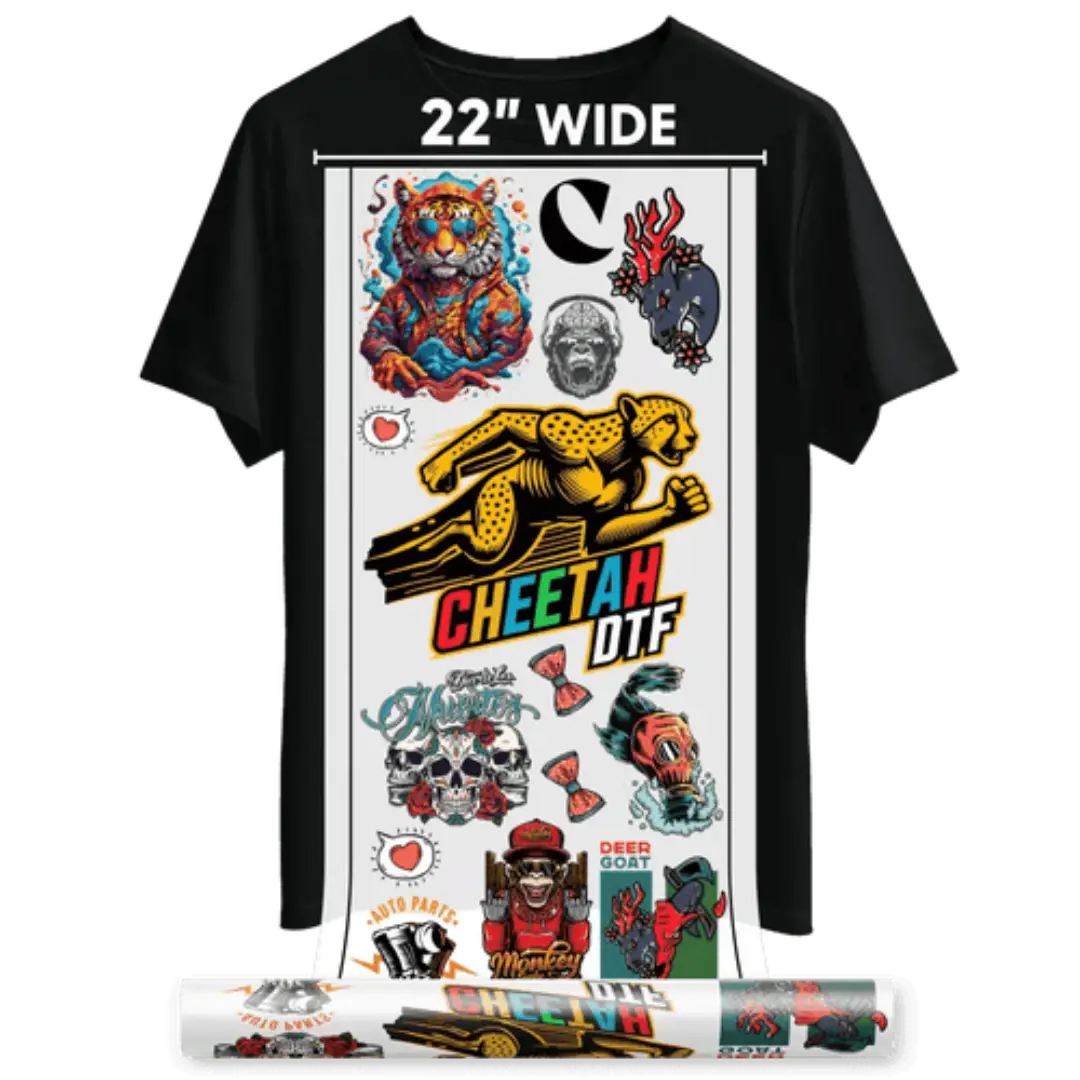
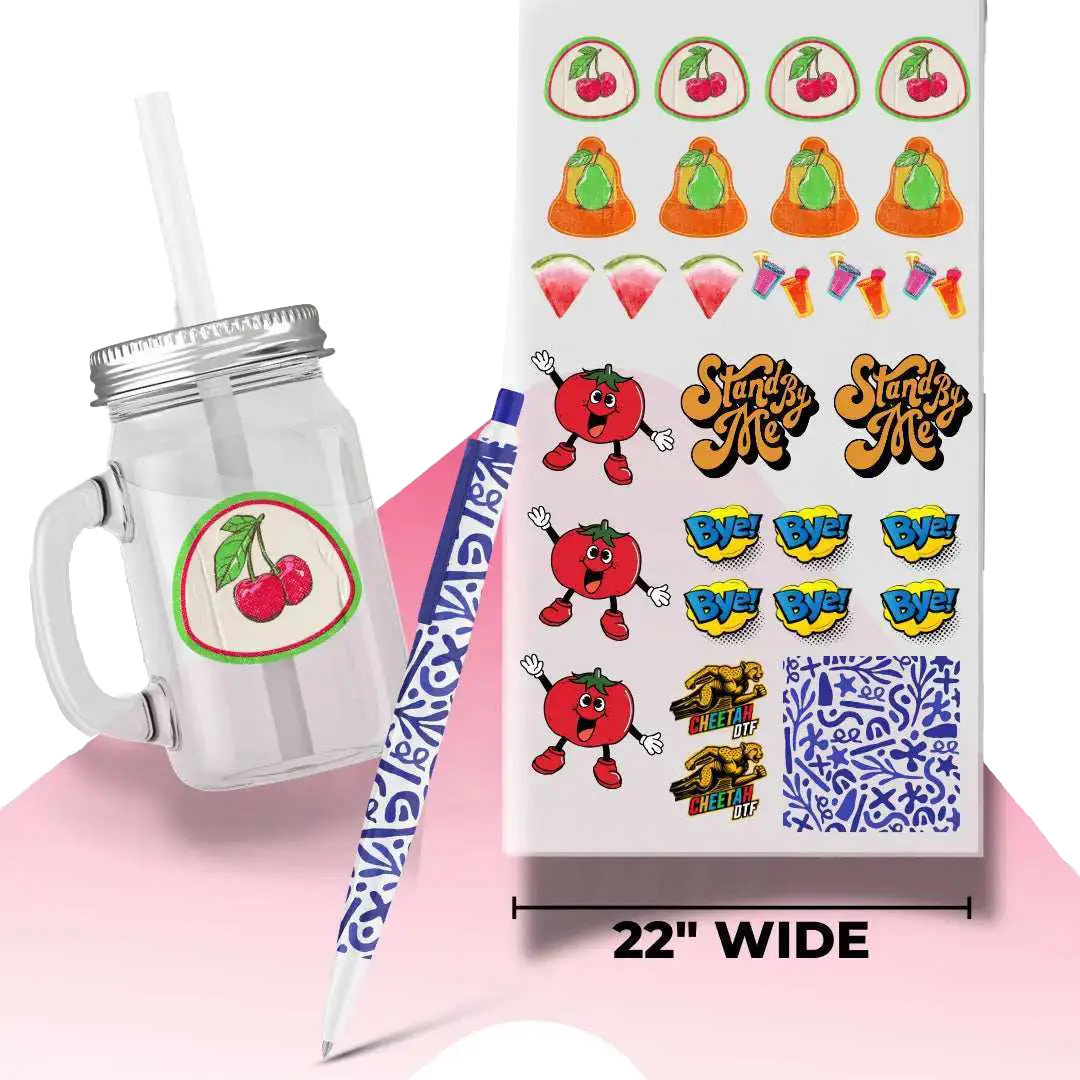
A DTF gang sheet is one large sheet of PET transfer film with all your designs printed together. You cut them apart. You press them. Instead of paying per design, you pay for the sheet size and you fill it however you want.
And that's where most people lose money. They think in pieces, not in square inches.
The Basic Math Behind DTF Gang Sheet Size
The math is simple. Width times height equals total area. Then you divide by your design area. But you have to account for the gap. Industry standard is 0.25 inches between designs. Without that gap, powder bridges and your prints stick together. So a 4x4 inch logo actually needs 4.5x4.5 inches of space when you calculate.
For example, a 22x24 sheet is 528 square inches. If you put 10x10 inch front prints on it, each one needs 10.5x10.5 with gaps. That's 110.25 square inches. 528 divided by 110.25 is 4.78. So you fit 4 prints. That same sheet fits 24 left chest 4x4 logos because each one needs 4.5x4.5, or 20.25 square inches.
How to Size a DTF Gang Sheet if You're a Custom Brand Owner
If you're a custom brand owner, you're ordering the same 2 to 4 designs over and over. Front logo. Back logo. Sleeve tag. Maybe a neck label. Your goal is cost per shirt, not variety.
And your re-order pattern changes everything. You don't need 15 different designs on one sheet. You need 50 of the same thing that presses fast.
Your Typical Order Pattern and Why It Changes the Math
Brand owners usually run 30 to 100 shirts per drop. Let's say you have a 11x11 back print and a 4x4 front left chest. If you order a 22x60 DTF gang sheet, you can fit 10 backs and 10 fronts on one sheet by staggering them. That's 10 complete shirts per sheet. At $24 per sheet, that's $2.40 per shirt in transfer cost.
If you ordered those same designs on two separate 22x24 sheets, you'd pay $12 plus $12, or $24 for only 4 shirts worth. Same $24, but 60% fewer shirts. This is why brand owners should always calculate gang sheet size based on sets, not single prints.
Ready to Experience the Difference? Upload Your Custom Sheet Today.
How to Calculate Gang Sheet Size for Repeat Logos
Here's the brand owner formula. Count how many shirts you need. Multiply by how many placements per shirt. Then work backwards to sheet size.
You need 60 shirts. Each needs a front and back. That's 120 prints. A 22x60 fits about 10 backs per sheet if you run 11 inch prints. So you need 6 sheets of backs. But you can fit fronts in the gaps. Real production data shows a well-nested 22x60 with 11 inch backs fits 8 to 10 extra 4 inch fronts in the leftover space. So instead of ordering 6 sheets for backs and 3 sheets for fronts, you order 6 sheets total and get everything.
That saves you $36 to $45 per drop. Over 12 drops a year, that's $432 to $540 back in your pocket.
How to Size a DTF Gang Sheet if You're an Etsy Seller
Etsy sellers live in a different world. You don't print 50 of the same. You print 1 of this, 2 of that, 5 different names for a bachelorette party. Variety is your business model. So your DTF gang sheet size calculation has to be about maximum number of different designs, not lowest cost per identical print.
Your biggest enemy is file waste. Most Etsy sellers upload files with huge transparent backgrounds.
Why Variety Packs Need a Different Layout Approach
If you sell custom names, you get 10 orders at 4x4 each, all different. If you line them up in a grid on a 22x24 sheet, you fit 12. If you nest them and rotate a few, you fit 20 to 22. That's almost double.
And Etsy sellers need to think about press time too. When you have 20 different 4 inch designs on one sheet, cutting them apart takes time. So you want to group similar sizes together. Put all your 4 inch designs in one zone, all your 6 inch kids designs in another. That way you cut faster and you don't mix up orders.
How to Build a DTF Gang Sheet for Multiple Customers at Once
To build a DTF gang sheet for multiple customers, sort your orders by size first, then by color. Dark shirts don't matter for DTF, but grouping light and dark art helps you quality check faster.
Then calculate your sheet size like this. Add up total square inches needed. Let's say you have 15 orders: five at 10x10, ten at 4x4. Five 10x10 needs 500 square inches. Ten 4x4 needs 160 square inches. Total 660 square inches plus 15% for gaps, so about 759 square inches. A 22x36 sheet is 792 square inches. So a 22x36 covers it.
But if you have 25 orders, you jump to a 22x60 at 1320 square inches. Never order a 22x120 for variety orders unless you have 40 plus designs. It gets too hard to cut and store.
Running a Brand or an Etsy Shop? Stop Guessing Your Sheet Size.
We check your files for blank space and tight gaps so you get more prints per order.
Get Your Gang Sheet Sized Right - Upload Art Now
How to Calculate Gang Sheet Size Step by Step
This is the exact method we use. No fluff. Just math that works.
Step 1 - Measure Every Design With Bleed
Measure your design at the size you want it to press. If you want a 10 inch wide back print, measure it at 10 inches. Then add 0.25 inches bleed if it has a dark background that goes to the edge. Most brand logos need an extra 0.125 inches for the white underbase. So your 10 inch design becomes 10.25 in your calculation. This prevents white edges after you peel.
Step 2 - Add Gaps and Cut Space
Now add the gap. Use 0.25 inches minimum between designs. So your 10.25 inch design now needs 10.5 inches of space. For small designs under 3 inches, you can use 0.125 inch gap. For large designs over 10 inches, use 0.5 inch gap so the powder cures evenly.
This is where DTF gang sheet layout tips actually save money. If you skip the gap, your prints will fuse. If you add too much gap, you waste film. Stick to 0.25 as your default.
Step 3 - Do the Final Math for Your Gang Sheet Size
Take your sheet width minus 0.5 inches for the printer margin. So 22 inch wide film gives you 21.5 inches of usable width. Divide that by your design width plus gap. That tells you how many per row. Then do the same for height.
Example for 4x4 designs on 22x60. Usable width 21.5 divided by 4.5 is 4 per row. Usable height 59.5 divided by 4.5 is 13 per column. 4 times 13 is 52 prints. That's real world. Not theory. That's what fits if your files are cropped tight.
DTF Gang Sheet Layout Tips That Save You Money Every Order
If you want to fit more, you have to think tighter. The best shops don't have better printers. They have better layouts.
Nest Small and Large Designs Together
This is the single best trick. Don't put all large designs on one sheet and all small on another. Put large designs first, then fill holes with small ones. A 22x60 with six 11 inch back prints has enough leftover L-shaped space to fit 12 to 14 left chest logos. You get 6 shirts plus 12 extra prints for free. That's gang sheet space optimization that drops your cost per transfer from $1.80 to $0.95.
Stop Wasting Space on Bad Files
Bad files are the number one waste factor. A 4x4 logo saved as an 8x8 PNG with transparent padding takes double the space. Always crop to art bounds. In Photoshop use Image > Trim > Transparent Pixels. In Canva, download with transparent background and crop manually. Also check DPI. A 72 DPI file that looks big on screen will print tiny and leave empty space. Keep everything at 300 DPI.
Small habit. Big savings. Shops that crop files properly fit 25 to 30% more per sheet consistently.
Which Gang Sheet Size Makes More Profit for You at Cheetah DTF
So which size should you actually buy? It depends on your model.
Brand owners make more profit on 22x60 and 22x120 sizes because they can run bulk sets and keep cost per shirt under $2.50. Etsy sellers make more profit on 22x24 and 22x36 because they can turn orders faster and avoid cutting a giant sheet for just 5 orders.
Cost Breakdown for Brand Owners vs Etsy Sellers
A 22x24 DTF gang sheet typically runs $10 to $14, and a 22x60 runs $22 to $28 in today's market. If you're a brand owner doing 60 shirts with front and back prints, 6 sheets of 22x60 at $24 each is $144 total. That's $2.40 per shirt for both placements. If you bought 15 sheets of 22x24 at $12 each to get the same number of prints, that's $180. You save $36 just by going bigger.
If you're an Etsy seller doing 20 different 4x4 designs, a 22x24 at $12 fits 20 prints at $0.60 each. A 22x60 at $24 fits about 52 prints at $0.46 each, but you only needed 20. So you'd waste $14 in blank film you didn't need. For small variety orders, the smaller sheet wins. Always calculate based on what you actually need to press this week, not just what looks cheaper per square foot.
Why Small Business in Texas Choose Cheetah DTF
Custom brand owners and Etsy sellers both use the same DTF gang sheet, but they shouldn't calculate it the same way. Brand owners should calculate by shirt sets and order larger sheets like 22x60 to keep cost per shirt low. Etsy sellers should calculate by total number of different designs and stick to 22x24 or 22x36 to avoid paying for empty film. Measure tight, add a 0.25 inch gap, crop your files, and nest small designs into the gaps of large ones. That's how you stop buying blank film and start keeping profit. Need help picking your size? The team at Cheetah DTF will check your layout for free and tell you the cheapest sheet that fits your order.
Why Order DTF Gang Sheets With Us?
✔ Fast Turnaround - Same Day Printing Available
✔ Consistent Print Quality That Peels Clean Every Time
✔ Competitive Pricing on Every DTF Gang Sheet Size
✔ Responsive Customer Support That Actually Answers
Frequently Asked Questions
How Do I Calculate DTF Gang Sheet Size for My Order?
Measure each design at print size, add 0.25 inches for gap, then multiply width by height to get square inches per design. Add all designs together plus 15% for spacing. Compare that total to sheet areas. A 22x24 is 528 sq inches, 22x60 is 1320 sq inches. Pick the smallest sheet that fits your total.
What DTF Gang Sheet Size Is Best for Custom Brand Owners?
For brand owners, 22x60 and 22x120 are best. You print the same front and back logos repeatedly, so a larger DTF gang sheet lets you nest backs and fronts together and drops cost per shirt to $2.00 to $2.50. Smaller sheets force you to buy more sheets and increase cutting time and total film cost.
What DTF Gang Sheet Size Is Best for Etsy Sellers?
For Etsy sellers, 22x24 and 22x36 are usually best. You print many different small designs, so a smaller sheet fills up fast without waste. A 22x24 fits about 20 left chest 4x4 designs. If you order a 22x60 for only 15 designs, you pay for 500 plus square inches of blank film you don't need.
How Much Space Should I Leave Between Designs on a DTF Gang Sheet?
Leave 0.25 inches between designs as a safe default. For tiny designs under 3 inches you can use 0.125 inches. For large 11 inch back prints use 0.5 inches so powder doesn't clump. This gap is critical for clean powder application and easy cutting. Never let bounding boxes touch or overlap on your DTF gang sheet.
Why Does My DTF Gang Sheet Have So Much Wasted Space?
Waste comes from uncropped PNGs with large transparent borders and lining designs in straight rows. A 4x4 logo saved as 8x8 file wastes 75% space. Always trim transparent pixels. Also rotate some designs and stagger rows like bricks. That alone can save 25% of your DTF gang sheets film on every order.
How Do I Build a DTF Gang Sheet in Canva or Photoshop?
In Canva or Photoshop, set canvas to exact sheet size like 22x60 inches at 300 DPI with transparent background. Drag in cropped PNGs, leave 0.25 inch gaps, and export as PNG or PDF. Check that no white background is included. Cheetah DTF also offers a free online builder that auto-nests and shows real print count before you buy.
Can I Mix Different Sizes on One DTF Gang Sheet?
Yes, mixing sizes is how you save money. Put large 10 to 11 inch back prints first, then fill gaps with 4 inch fronts and 2 inch sleeve tags. This DTF gang sheet layout tips method can fit 30% more transfers on the same sheet compared to grouping all same sizes together. It's the most profitable layout for both brand owners and sellers.
What Is the Cheapest Way to Order DTF Gang Sheets From Cheetah DTF?
The cheapest way is to fill every inch and order the smallest sheet that fits your job. Upload your designs to Cheetah DTF and we will check spacing and suggest a tighter layout at no extra charge. Proper nesting drops your cost per print from $1.80 to under $0.80 for small logos, which adds up to $200 plus monthly savings.
How Many 10 Inch Designs Fit on a 22x60 DTF Gang Sheet?
A 22x60 DTF gang sheet fits 10 to 12 designs that are 10x10 inches if you use 0.25 inch gaps and stagger them. If you add small 4 inch designs in the leftover space, you can still fit 8 to 10 extra small prints. Total usable area is 1320 square inches, but gaps reduce effective area to about 1120 square inches.
Does DTF Gang Sheet Size Affect Print Quality?
Sheet size does not affect print quality. Whether you order 22x24 or 22x120, Cheetah DTF prints at 300 DPI with the same CMYK plus white ink and hot-melt powder process. Quality issues come from low-res files under 150 DPI or bad gaps, not sheet size. Always send 300 DPI PNGs with transparent backgrounds for sharp transfers.