


Manual Gang Sheets vs. Automatic Gang Sheet Builder: A Complete Cost & Quality Comparison
You perfected the artwork. You bought the good film. But your transfers still cost too much and press inconsistently. Most shops blame ink or powder, but the real culprit is layout. How you arrange art on a DTF gang sheet decides how much film you waste, how long you spend at the computer, and how clean the final press looks.
Manual layout in Photoshop, Illustrator, or Canva feels like control. You drag, you nudge, you try to squeeze one more logo in. And that's exactly where money leaks. An automatic DTF gang sheet builder does that nesting in seconds, with tighter spacing and proper file handling.
If you're running custom orders daily, this comparison matters. Let's break down real costs, real quality differences, and when each method actually makes sense.
What a DTF Gang Sheet Is and Why Layout Directly Affects Profit
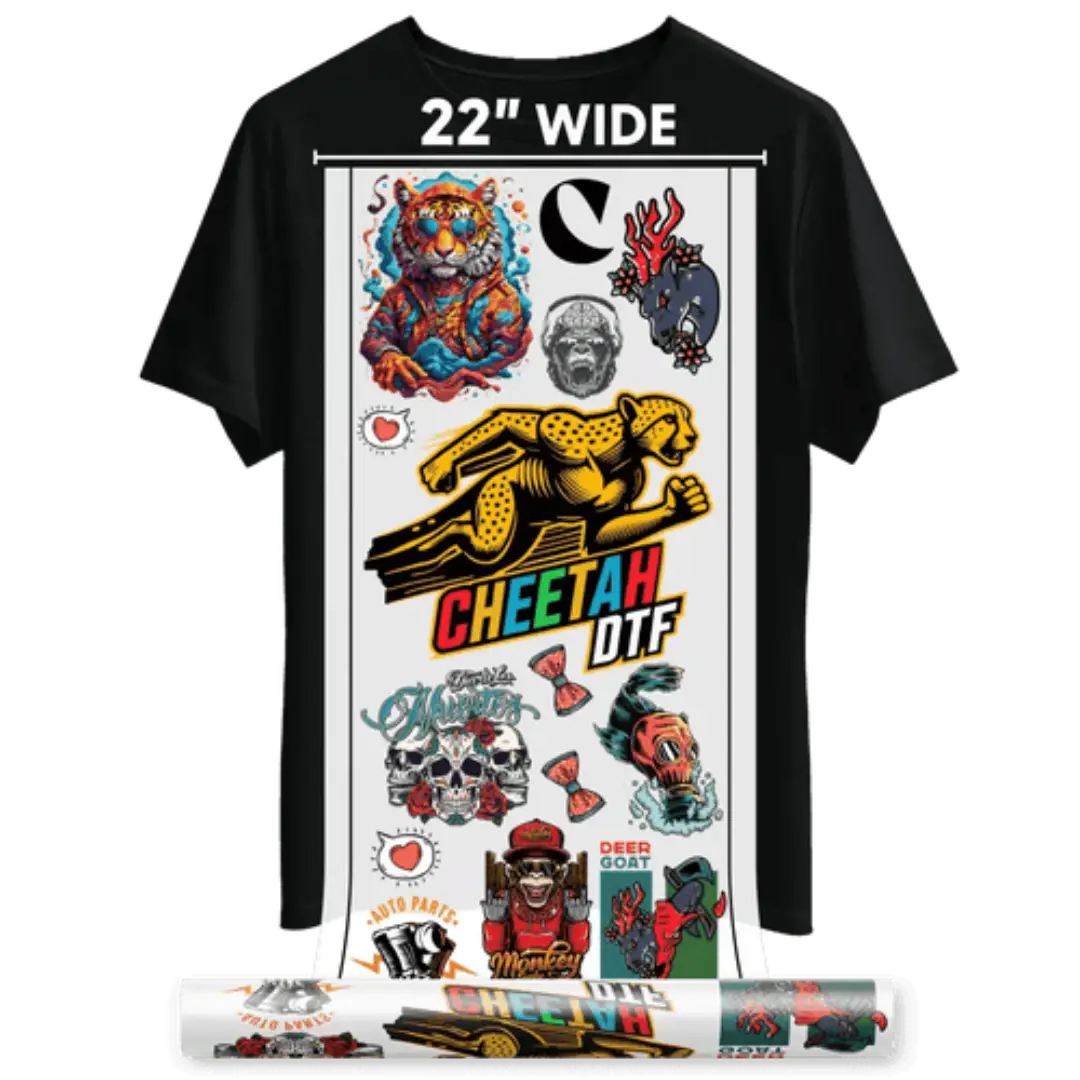
A DTF gang sheet is a single large transfer film that holds multiple designs, logos, or sizes grouped together to maximize film usage and reduce press runs. DTF is Direct-to-Film. Print on film. Powder it. Cure it. Press it. Done.
And layout is the difference between making $8 per foot and losing it. Poor spacing leaves inches of blank film. Overlapped art ruins transfers. Incorrect sizing forces reprints.
1. Manual Gang Sheets
Definition: Manual gang sheets are layouts where you personally arrange multiple designs, logos, or images onto one large transfer sheet by hand using design software for efficient DTF printing to maximize space and reduce material waste.
Example: You drag 15 different left-chest logos into Photoshop to fit a 22x60 inch sheet.
2. Automatic Gang Sheet Builder
Definition: An automatic gang sheet builder is an online tool that instantly auto-arranges your uploaded designs onto a transfer sheet, optimizing spacing, sizing, and alignment automatically for fast, error-free DTF printing without manual design effort needed.
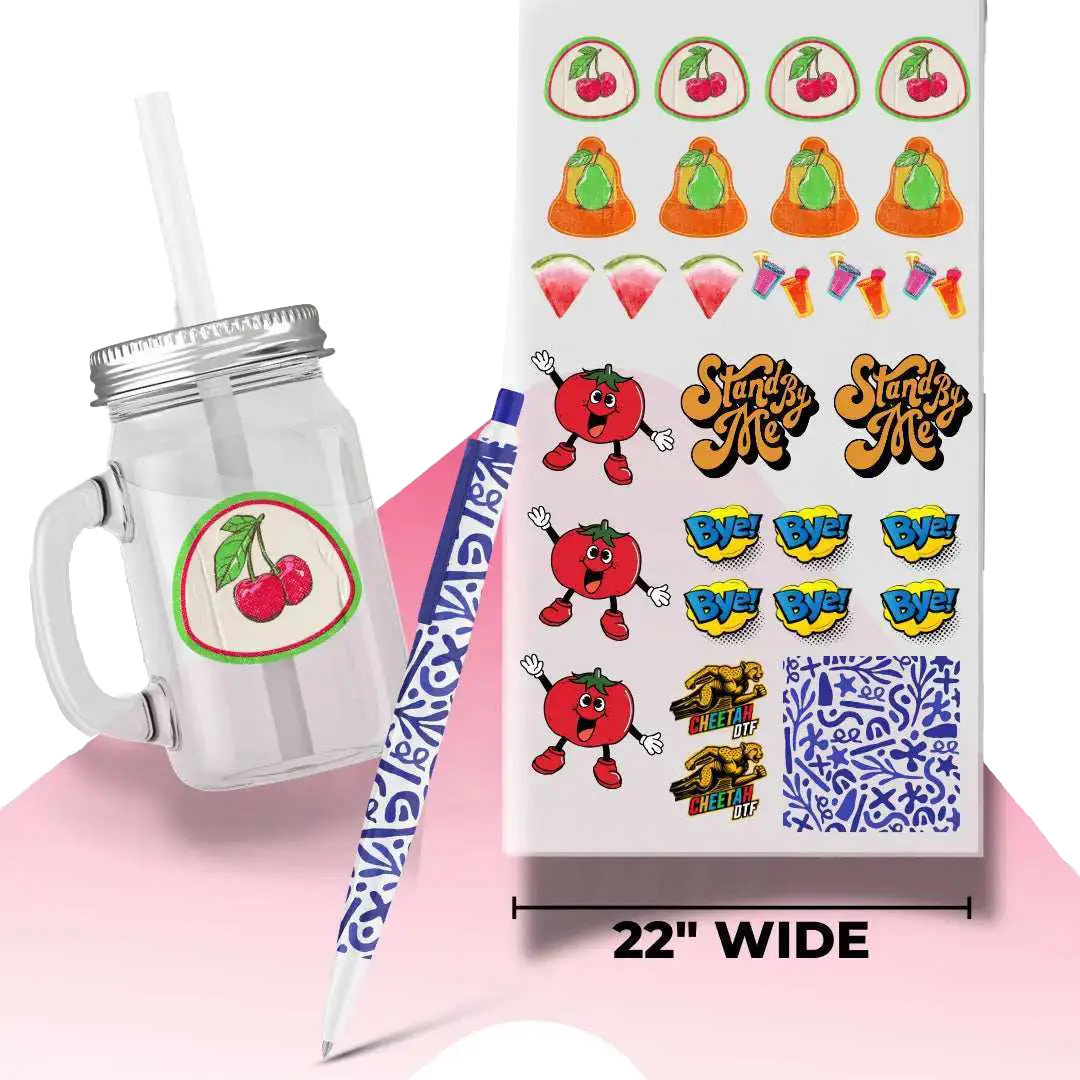
Example: You upload 10 PNGs to a DTF builder website and it auto-generates a print-ready 22x60 sheet in seconds.
How to Build a Gang Sheet Manually Without Wasting Film
Manual layout still works, but it takes discipline. If you're learning how to build a gang sheet by hand, you need a system, not just drag-and-drop.
You start with a canvas set to your film width, typically 22 inches wide, resolution locked at 300 DPI. Then you import PNGs with transparent backgrounds, resize each, and arrange them with at least 0.125 inches between graphics. You export as one flat file and hope you didn't miss a low-res logo.
Common Manual Steps That Slow Production Down
Most manual builders spend 20 to 45 minutes per sheet. You check each file, you remove white backgrounds, you resize chest logos to 3.5 inches, you double-check that nothing touches the edge. It's workable for one sheet. It's brutal for ten.
Gang Sheet Layout Tips That Help If You Stay Manual
If you're going manual for now, keep these tight. Group similar sizes together to simplify cutting. Keep all edges at least 0.25 inches from the film border to avoid powder clump. And always flatten transparencies before export, or you'll get that faint box around the print after pressing. These gang sheet layout tips save reprints, but they don't save time.
Want to see the difference in your own art?
Upload Your Gang Sheet.
How an Automatic DTF Gang Sheet Builder Changes the Workflow
A DTF gang sheet builder is software that automatically nests your images, optimizes spacing, and exports a print-ready file. You upload your PNGs, set your sheet size, and it arranges everything to maximize gang sheet space.
No dragging. No measuring. No guessing if you can fit two more left-chest logos in the corner.
What Happens Inside an Automatic Builder That You Can't Do by Hand
Good builders use true nesting algorithms, not just rows. They rotate where safe, they detect transparent pixels to push graphics closer, and they lock in 2-3mm gutters automatically. Some versions from Cheetah DTF also auto-check gang sheet file requirements like DPI and color profile before you print.
When a Custom DTF Gang Sheet Builder Pays for Itself
If you're doing more than 15 feet per week, automation pays. Let's say you save 25 minutes per sheet and you run 5 sheets daily. That's over 10 hours of labor per week back. At $18 per hour, that's $180+ in labor you just recovered.
Complete Cost Breakdown: Manual vs. Automatic
This is where shops make decisions. And the numbers are not close once you scale.
Let's use real market averages for 2025-2026. Premium DTF film runs $0.45 to $0.70 per linear foot at 22-inch width. Ink and powder add another $0.60 to $0.95 per foot. Labor is the hidden killer.
Manual layout averages $0.00 software cost but $9 to $15 in labor per sheet at 30 minutes. Automatic layout costs $0 to $29 per month for most builders, but labor drops to $1 to $2 per sheet at 2 to 3 minutes. Waste is also different. Manual waste runs 12% to 20% due to loose spacing. Auto nesting cuts that to 3% to 7%.
So for 100 feet per week, manual often costs $145 to $210 extra in labor and waste combined. Over a month, that's $580 to $840 walking out the door. Data from shops tracking usage on RIP software like Maintop and PrintExp confirms auto-nested files use 11% to 14% less ink per foot due to better coverage.
Complete Quality Comparison: What Presses Better
Cost gets you in the door, but quality decides if customers reorder. And layout affects quality more than most realize.
Manual sheets often have inconsistent gaps, which leads to uneven cutting and powder fall-off. When art sits too close, adhesive clumps and you get rough edges. When you manually resize without keeping the aspect ratio, small text gets fuzzy. These issues don't show on screen. They show after you press.
A builder keeps spacing uniform, locks DPI at 300, and prevents accidental stretching. That means your gang sheet printing results are cleaner, your peel is smoother, and your edges stay sharp after 50 washes. Shops that switched report a 60% to 70% drop in misprint complaints related to layout, based on internal QA logs.
Gang Sheet File Requirements Most People Miss
Whether you go manual or auto, file prep is non-negotiable. Your files must be 300 DPI, PNG with transparent background, sRGB or Adobe RGB, and sized to actual print dimensions. No JPEGs with white boxes. No 72 DPI logos pulled from Facebook. If you upload a 4-inch logo that's actually 800 pixels wide at 72 DPI, it's not print-ready, even if it looks fine on screen. The best DTF gang sheet builder will flag this. Manual won't.
How to Maximize Gang Sheet Space Without Hurting Quality
To maximize gang sheet space, don't just cram. Use a mix of large backs (10 to 11 inches), medium fronts (8 inches), and small sleeve or pocket sizes (3 to 4 inches) to fill dead zones. Place larger graphics first, then fill negative space with smaller ones. And leave that 0.125-inch safe zone, or you'll struggle to cut cleanly and your transfer may lift at the edge after wash.
Which Method Should You Actually Use?
Manual makes sense if you're doing one sheet a week, you already own Adobe licenses, and you enjoy full control. It's free, flexible, and you learn a lot about file handling.
Automatic makes sense if you value time, run custom gang sheet orders daily, or sell gang sheets to other shops. It removes human error, standardizes output, and lets anyone on your team build a perfect sheet, not just your designer.
And if you're offering custom DTF gang sheet services to customers, auto is almost mandatory. Customers upload messy files. A builder with auto-checks protects you from printing their mistakes.
The Layout Decision That Scales Your Shop
We covered time, film, ink, labor, and press quality, and the pattern is clear. Manual gives you control, but it costs you hours and wastes film. Automatic gives you speed, consistency, and tighter sheets that press better and waste less.
If you're serious about growing, you can't spend 30 minutes arranging logos when software can do it in 90 seconds. Your DTF gang sheet workflow should make money, not eat it. Fix the layout and everything else gets easier, from powdering to pressing to shipping.
Cheetah DTF built its system for this exact bottleneck. Upload once, get a perfectly nested, print-ready sheet, and get back to pressing.
Ready to Cut Waste and Print Faster?
✔ Get perfectly nested, print-ready DTF gang sheet files in 2 minutes
✔ Lower film and ink waste with intelligent auto-spacing
✔ Consistent quality on every custom order you ship
Stop laying out by hand. Start printing for profit.
Build Your Gang Sheet Now at Cheetah DTF
Frequently Asked Questions
What Is the Ideal Size for a DTF Gang Sheet for Small Shops?
The most common size is 22 inches wide by 60 inches long, which fits most 24-inch DTF printers with a small margin. It balances film cost and handling. For smaller jobs, 22 by 24 or 22 by 36 works well. Always confirm your printer's max width and keep a 0.25-inch bleed from the edge to avoid curing issues.
How Does a DTF Gang Sheet Builder Save Money Compared to Manual?
A builder saves money in three places: labor, film waste, and reprints. Manual takes 20 to 45 minutes per sheet, auto takes 2 minutes. Auto nesting reduces blank space from around 15% to under 5%, saving $0.70 to $1.20 per foot. It also flags low-DPI files before printing, which cuts reprint costs by up to 70% in high-volume shops.
What Are the Most Important Gang Sheet File Requirements Before Printing?
You need 300 DPI, PNG format with transparent background, sRGB color, and art sized to real print dimensions. Avoid JPEGs, white backgrounds, and upscaled low-res logos. Keep 0.125 inches between designs and 0.25 inches from the film edge. Flatten effects and outlines. Cheetah DTF auto-checks these on upload to prevent bad presses and wasted transfers.
Can I Mix Different Sizes on the Same Custom DTF Gang Sheet?
Yes, and you should. Mixing sizes is the best way to maximize space. Combine 10 to 11-inch back prints, 8-inch front prints, and 3.5-inch chest or sleeve logos on one sheet. This fills gaps that single-size sheets leave empty. A builder does this automatically, while manual takes extra planning to avoid overlap and uneven cutting lines.
How to Build a Gang Sheet That Peels Clean Every Time?
Start with clean art at 300 DPI and proper transparent backgrounds. Keep consistent spacing, avoid super-thin lines under 1.5mm, and ensure your powder cure is even. After pressing at 300 to 310°F for 12 to 15 seconds with medium pressure, let the film cool for 5 to 10 seconds, then peel in one smooth motion. Consistent layout helps even powder coverage.
How Do I Maximize Gang Sheet Space Without Ruining Transfers?
Place large designs first, then fill negative space with small logos, tags, or pocket prints. Don't rotate text-heavy designs, but you can rotate simple icons to fit. Keep 2 to 3mm gutters, never let graphics touch, and avoid placing tiny 1-inch designs between huge prints where they get lost. Intelligent nesting software does this balancing better than the human eye can.
What Is the Difference Between a Custom Gang Sheet and a Standard Transfer?
A standard transfer is one design printed multiple times, same size. A custom gang sheet holds multiple different designs, sizes, or customer logos on one sheet. It is built for custom orders, brand packs, or market events. This flexibility is why shops prefer DTF gang sheet workflows, because you can press ten different orders from one film instead of ten separate films.
Why Is My DTF Gang Sheet Printing With a White Box Around Designs?
That white box means your file had a white background that wasn't removed. You uploaded a JPEG or a PNG that wasn't truly transparent. You must remove the background in Photoshop or use a builder that strips it automatically. Also check for hidden layers or drop shadows with white fills. Cheetah DTF tools flag this before you waste ink and film.
How Much Does Gang Sheet Layout Tips Really Affect Final Quality?
Layout tips affect quality a lot more than ink brands in many cases. Tight but not touching spacing prevents powder clumping and rough edges. Correct DPI prevents fuzzy prints. Proper margins prevent edge lift. Shops that implement solid layout habits see up to 40% fewer returns. Good layout is not just about saving film, it directly improves wash durability and hand feel.
Where Can I Order a High-Quality DTF Gang Sheet With Fast Shipping?
You can order from Cheetah DTF for fast, consistent results. We print at 300 DPI with premium film, even powder curing, and tight color control, so your DTF gang sheet presses clean and holds up wash after wash. Upload your file, get an instant proof, and most orders ship the same or next day. It is built for shops that need reliable turnaround.