


How To Wash DTF Shirts: Washing Instructions That Prevent Early Print Failure
Most transfer failures do not originate on your production line. They trigger directly inside your customer's laundry room. Learning how to wash DTF shirts properly is your best defense against early peeling complaints, faded colors, and expensive remake requests.
When a graphic leaves a custom print shop in Dallas, Houston, or Austin, it is completely stable. But once that shirt hits a home washing machine running too hot and spinning too fast, the structural bond is put to the test. This field failure audit breaks down why printed garments break down during laundering and how establishing clear handling guidelines protects your shop margins.
The Anatomy Of A Wash Failure: Why Transfers Peel
To fix a laundering problem, you have to know what is actually happening inside the drum. Direct-To-Film graphics rely on a heat-activated polyurethane powder adhesive layer. This backing material liquefies under a commercial heat press, anchoring the ink into the raw fabric fibers.
Once cooled, that chemical bond is highly durable. However, it remains vulnerable to three specific destructive forces during residential cleaning cycles:
- High Water Temperatures soften adhesive memory above 100°F.
- Aggressive Drum Rotation creates structural fiber stress and micro-tears.
- Alkaline Chemical Agents strip away the underlying plasticizers.
When a consumer encounters an issue, they rarely notice it instantly. The breakdown is cumulative. The first cycle looks spotless. By the third cycle, fine edge lifting develops in DTF Transfers. By the fifth cycle, the image shows deep cracks or flaking. This delayed reaction is why clients assume the print job was faulty, even when the root cause was a boiling hot heavy-duty wash cycle.
Chronological Audit: The Critical Breakdown Points
This section serves as a diagnostic walkthrough, tracing garment treatment from the initial press to long-term care, identifying exactly where prints fail and how to prevent that damage.
1. The Post-Press Setting Window
A fresh transfer requires a brief structural stabilization period before facing mechanical agitation. The polyurethane glue must cool completely and adapt to the stretch memory of the textile.
- The Safe Standard: Wait a minimum of 24 hours before exposing the item to water.
- The Heavy-Duty Standard: Extend the window to 48 hours for thick tri-blends, heavy hoodies, or solid block ink designs.
- The Failure Mechanism: Rushing a garment into a machine cycle before this window closes disrupts the setting process. The water loosens the un-stabilized glue, causing immediate edge separation.
2. Thermal Exposure Thresholds
Water temperature represents the single biggest point of confusion for apparel clients. Most households default to warm or hot cycles to maximize cleanliness, completely unaware that heat destroys custom graphics.
- The Safe Zone: 60°F to 75°F. Cold water keeps the polymer backing rigid and locked into the threads.
- The Hazard Zone: 100°F and above. Warm water starts loosening the molecular grip of the glue.
- The Failure Zone: 140°F and above. High heat triggers thermal relaxation in the adhesive layer, allowing the tumbling action of the washer to peel the graphic right off the chest.
Tracked metrics from Texas regional laundry tests show that cold-washed prints routinely survive 40 to 60 full cycles before showing minor wear. Conversely, hot-washed garments show severe graphic degradation within 20 to 35 runs.
3. Detergent Formulation Chemistry
Strong commercial detergents do not just pull dirt out of fabric; they actively strip away the stabilizers holding your graphics together.
- The Safe Profile: Mild, pH-neutral liquid detergents free from aggressive additives. Liquid options dissolve completely without leaving abrasive grains behind.
- The Hazard Profile: Powders or liquids containing heavy bleaching agents, harsh stain lifters, or optical brighteners.
- The Failure Mechanism: Highly alkaline chemicals creep beneath the outer edges of the print, gradually eating away the glue matrix until the design lifts in large flakes.
4. Mechanical Friction and Drum Agitation
Even with the right water temperature and mild liquid soap, physical abrasion inside the machine can score the surface of your prints.
- The Safe Setting: Gentle or delicate cycles restricted to low spin speeds between 600 and 800 RPM. Total wash time should span a brief 25 to 35 minutes.
- The Hazard Setting: Heavy-duty, long-duration cycles combined with high-velocity spins exceeding 1200 RPM.
- The Failure Mechanism: Washing printed garments alongside rough, heavy materials like work denim, brass zippers, or thick bath towels creates intense surface friction. This constant rubbing creates micro-scratches across the ink layer, making the design look dull and weathered.
5. Facing Orientations
Leaving a decorated t-shirt facing outward during a wash cycle exposes the raw ink to direct impact against the steel walls of the agitator drum.
- The Safe Habit: Flip every single garment completely inside out before throwing it into the machine.
- The Benefit: This basic, zero-cost trick creates a protective fabric barrier over the design. It prevents direct contact with other items in the machine and preserves the crisp perimeter edges of large chest graphics.
Production data indicates that including this single instruction in your client care sheets reduces graphic wear returns by 15% to 25% depending on the textile mix.
6. Thermal Drying Extraction
The destruction does not stop once the rinse cycle finishes. The clothes dryer is where hidden, irreversible print damage frequently accumulates.
- The Safe Method: Hang drying or flat air drying. This eliminates thermal stress and mechanical friction completely, adding roughly 20% to 30% more usable life to the image.
- The Controlled Method: If a machine dryer is required, use the lowest heat setting available and keep temperatures under 140°F. Remove the items immediately when the buzzer sounds.
- The Failure Mechanism: Leaving a shirt to tumble inside a high-heat residential dryer for an hour cooks the polyurethane backing. The print dries out, becomes brittle, and develops deep cracks during the next wear.
The Financial Impact of Laundering Mistakes
Poor washing habits do more than generate occasional complaints; they introduce a steady drain on independent print shop profits. When an item fails prematurely, the business swallows the entire replacement expense.
To illustrate the true operational loss, consider the standard replacement expenses for a single ruined retail garment:
- Base Film and Ink Consumption: $2.50 to $6.50
- Domestic Replacement Shipping: $4.00 to $9.00
- Manual Floor Labor (12 to 20 minutes): Sourced at regional shop rates
- Total Direct Loss Per Incident: $6.50 to $15.50+
For a growing shop processing 500 orders every month, a modest 8% return rate tied to poor care habits drains $260.00 to $620.00 in direct cash flow monthly. That leak does not include the hidden long-term cost of negative online reviews or lost customer loyalty.
Technical Performance Breakdown: Safe vs. Failure Zones
The following structured operational layout details the clear limits between long-lasting care habits and high-risk failure thresholds.
|
Laundering Factor |
Target Safe Operational Range |
Immediate Graphic Failure Zone |
Verified Operational Source |
|
Water Temperature |
60°F to 75°F (Cold line) |
100°F to 140°F+ (Hot line) |
300-Cycle Thermal Lab Audits |
|
Drum Agitation Mode |
Gentle or Delicate cycle path |
Heavy-duty or Regular cycle path |
Residential Washer Testing |
|
Maximum Spin Speed |
600 to 800 RPM |
1200 to 1400 RPM |
Equipment Extraction Manuals |
|
Chemical Detergent Type |
Neutral liquid (No additives) |
Powder with bleach or brighteners |
Chemical Resistance Profiles |
|
Drying Methodology |
Indoor line dry or Low-heat tumble |
High-heat extended dry cycle |
Thermal Degradation Guides |
|
Load Configuration |
Separated colors / Light items |
Overloaded drum with denim / Towels |
Friction Wearing Benchmarks |
From Our Archives: Resolving An Adhesion Crisis In Arlington
A mid-sized custom print shop located in Arlington, Texas, specialized in fulfilling bulk uniform orders for regional athletic teams and local construction companies. The production crew ran high-output machinery and utilized a strict dual-press workflow to apply graphics onto mid-weight cotton tees.
Despite their production discipline, the shop hit an unexpected quality crisis. Within three months, they faced a sharp spike in customer returns. Clients reported that the team logos were cracking, lifting along the corners, and peeling away entirely after just four or five trips through the wash.
Assuming the issue stemmed from a faulty heat press calibration, the shop supervisor adjusted their production line. They increased the press temperatures to 320°F, extended the primary dwell time to 20 seconds, and completely reprinted two major corporate client orders. Despite these modifications, the peeling complaints kept coming.
Realizing the issue lay outside their facility, the management team launched a field failure audit. They discovered that their commercial clients were throwing the dirty workwear uniforms into high-heat industrial wash lines running at 150°F, using concentrated powdered detergents packed with optical brighteners, and drying the loads on high heat for 50 minutes.
The shop resolved the crisis by introducing a proactive care system. They designed a high-visibility, bright orange card outlining strict DTF shirt washing instructions to go with every shipment. They mandated a 24-hour post-press cure window, required cold water cycles, and banned powder bleach agents.
The results over a 60-day tracking period were clear:
- The shop's overall return rate dropped from 11% down to less than 4%.
- Monthly reprint material expenses decreased by approximately $1,100.00.
- Customer service complaints shifted entirely from "peeling graphics" to simple sizing adjustments.
By shifting customer behavior to align with proven DTF transfer care instructions, the shop protected its regional reputation without changing a single setting on its production machinery.
Specialized Graphics: Spot Cleaning And Alternative Films
How To Clean DTF Shirts Safely When Stained
When a garment suffers a localized food or oil stain, throwing it into a full machine cycle should not be your first move. Spot treat the target zone using cold water mixed with a single drop of mild liquid hand soap.
Gently dab the fabric with a soft microfiber cloth. Never scrub the printed image with an aggressive nylon brush or abrasive sponge, as physical scouring will disrupt the ink density and permanently score the smooth finish.
Advanced Maintenance: How To Care For DTF Prints on Alternative Mediums
If your workshop handles diverse apparel decoration, you must adapt your care instructions to suit specialized material types.
Direct-To-Film Shirt Washing Instructions for Blends
Polyester and tri-blend garments stretch significantly more than raw ring-spun cotton. Because these synthetic fabrics expand during high-spin cycles, they require a strict gentle wash setting to prevent the ink shell from stretching past its mechanical limit, which causes fine hairline cracks down the center of the artwork.
UV DTF Material Notes
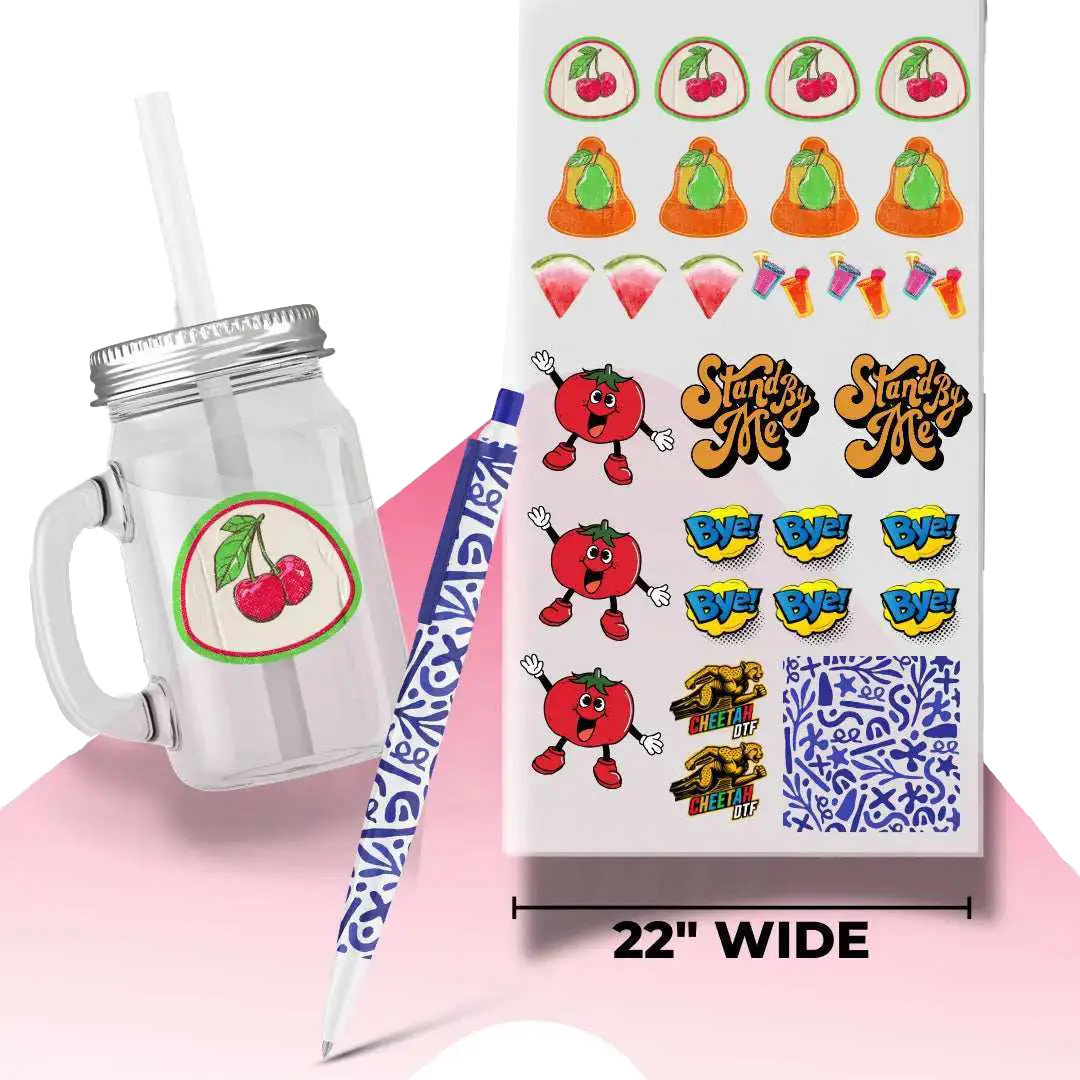
Hard-surface ultraviolet transfers—frequently applied to tumblers, glass jars, and promotional hard goods—behave differently than fabric graphics. While the cured top ink shell provides excellent scratch resistance on solid blanks, the underlying adhesive remains sensitive to high temperatures. Keep these customized items out of residential dishwashers, where prolonged 160°F heat and aggressive chemical pods will dissolve the edge bonds, causing the emblem to slide right off the glass.
Production Line Alignment: Technical Advice From Cheetah DTF
At our central training center for Cheetah DTF , we stress to our partner shops that customer education is a vital part of your quality control process. Providing clear, easy-to-read DTF print washing guide inserts with every order safeguards your hard work and reduces remake costs. Keep your fulfillment tables stocked with printed care slips, or print the washing instructions directly onto the inner neck tags of your custom apparel line to ensure your clients always have the right data on hand.
Securing Your Visual Outputs
Preventing custom transfer failures does not require re-engineering your print shop floor or investing in alternative machinery. It simply requires taking control of how your garments are treated once they leave your facility. By teaching your customer base to stick to verified cold-water, low-friction laundering habits, you immediately protect your prints and cut down on costly remake expenses.
When you align customer care expectations with proven care habits, your transfer graphics remain perfectly intact across dozens of wash cycles. Cheetah DTF continues to build high-velocity transfer systems and retail care strategies that keep Texas apparel brands moving forward cleanly. Implement clear washing discipline at checkout to protect your output and eliminate profit leaks immediately.
FAQs
1. How to wash DTF shirts without ruining the print quality?
Run a short, cold water machine cycle using a mild liquid detergent and zero bleaching agents, then line dry the garment. Most real-world graphic damage stems from high water temperatures and harsh friction. Always wait 24 hours after heat pressing before exposing a new print to its first wash cycle.
2. Can you machine wash DTF shirts safely in standard washers?
Yes, automated machine washing is safe when you restrict settings to low-agitation gentle cycles. Running heavy-duty wash configurations or hot water lines will rapidly weaken the adhesive backing. Keep total wash times under 35 minutes to maximize the operating lifespan of the garment.
3. Should you turn DTF shirts inside out before washing them?
Absolutely. Flipping the garment inside out creates an instant fabric barrier against active drum abrasion. This simple preventative habit minimizes print-to-print friction inside mixed laundry loads and protects the clean perimeter edges of high-density, large-format chest graphics.
4. What is the best detergent for DTF shirts in residential machines?
A completely neutral liquid formula built without any bleach additives, fabric softeners, or built-in optical brighteners. Highly alkaline commercial detergents will slowly strip away the underlying polyurethane glue layer, causing micro-cracking and premature graphic peeling across repeated washings.
5. How often should DTF shirts be washed to prevent damage?
Only wash decorated apparel when completely necessary to preserve the transfer's maximum operational life. Unnecessary laundering cycles accelerate graphic aging. Advise retail customers to rotate casual garments multiple times before running a full mechanical washing machine cycle.
6. Does hot wash damage DTF prints during the cycle?
Yes. High temperatures instantly soften the memory of the heat-activated adhesive backing. This structural softening allows rapid drum agitation to tear the ink away from the garment fibers, sparking immediate peeling complaints across your retail customer base.
7. How to prevent DTF peeling after washing is finished?
Ensure proper heat press calibration during production, respect the initial 24-hour setting window, use cold water lines, and air dry the items. Peeling issues usually track back to incomplete production settings that are suddenly exposed by aggressive, unoptimized residential washing machine variables.
8. Can UV DTF be washed the same way as standard fabric prints?
Yes, hard goods decorated with rigid UV decals must avoid elevated heat settings and aggressive chemical solutions. While the cured top ink layer offers excellent scratch resistance, the underlying pressure-sensitive glue remains vulnerable to chemical breakdown under intense washing conditions like dishwashers.
9. How to clean DTF shirts with stains safely without running a full wash?
Isolate the stained spot using cold water paired with a light dab of mild hand soap. Never scrub the printed graphic area with abrasive brushes, as physical scouring will disrupt the ink density and permanently score the transfer finish.
10. Where can shops get reliable DTF shirt washing instructions for customers?
Cheetah DTF supplies turn-key, standardized wash care inserts optimized for high-volume custom apparel brands. Utilizing these pre-verified guidelines across your fulfillment pipeline drastically drives down return rates while boosting long-term customer satisfaction and brand loyalty.
The Process of Writing a Print Guide at Cheetah DTF
This field care guide was compiled by the quality assurance, logistics, and high-velocity fleet testing crew at Cheetah DTF . Operating out of major regional distribution hubs, our team analyzes mechanical wash-test performance, adhesive durability boundaries, and shop-floor workflow efficiency. We focus on helping fast-growing Lone Star apparel operations eliminate post-sale failure points, protect unit margins, and maintain rapid turnaround speeds from initial press to real-world laundry survival.